🎙️ This week on How I AI: Claude Cowork tutorial for non-engineers + Build your own Slack inbox (for $0)
🎙️ This week on How I AI: Claude Cowork tutorial for non-engineers + Build your own Slack inbox (for $0)
Your weekly listens from How I AI, part of the Lenny’s Podcast Network
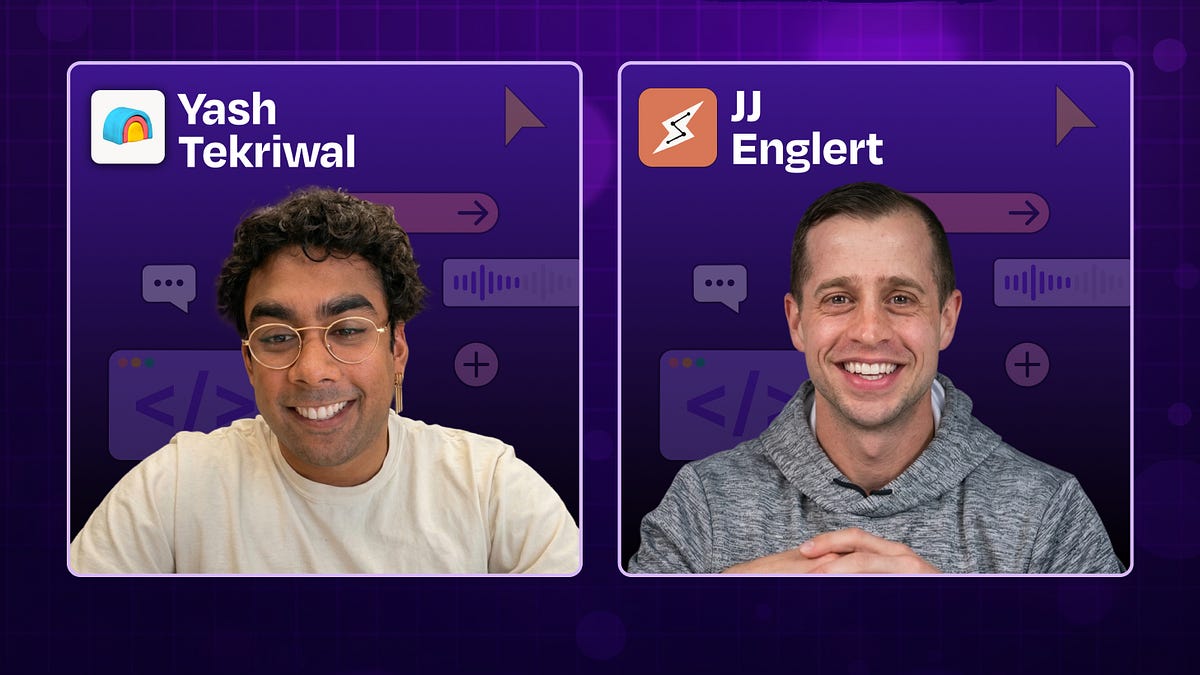
I built a custom Slack inbox. It was easier than you think. | Yash Tekriwal (Clay)
Listen now on YouTube • Spotify • Apple Podcasts

Brought to you by:
Guru—The AI layer of truth
ThoughtSpot—Build AI-powered analytics into your product
In this episode, Claire talks with Yash Tekriwal, the head of education at Clay, about how he built a custom AI-powered Slack inbox that turns 150 daily notifications into around 30 that actually matter. Instead of reacting to messages, Yash designed a system that categorizes, prioritizes, and routes everything into a clean, actionable workflow. They walk through exactly how he built it using Perplexity Computer and OpenClaw, why most people are using AI wrong (doing tasks instead of building systems), and how anyone—technical or not—can start creating their own personalized software stack.
Biggest takeaways:
Yash receives 100 to 150 Slack notifications daily, but only 30 to 40 require real action. By categorizing messages into DMs, group mentions, threads, and channel mentions, then sub-categorizing into action-required, need-to-read, and FYI, he transformed anxiety-inducing notification overload into a manageable workflow.
Use AI to build deterministic tools, not just to do tasks. There’s a crucial difference between asking AI to categorize things repeatedly versus using it to build code that handles structured data through APIs. Yash used OpenClaw to build a Slack digest that pulls notifications via API endpoints—AI built the tool once, but the categorization runs on deterministic code (except for the final action/read/FYI sorting).
Perplexity Computer’s multi-model orchestration removes you from the loop. Unlike Claude Code or Codex, Perplexity automatically uses different models for different subtasks: Sonnet for fetching data, Gemini for planning and coding, Opus for complex builds. This eliminates the frustrating back-and-forth of “good try, but it doesn’t work; try again” that plagues single-model coding agents.
Perplexity Computer’s cloud deployment and native connectors are game changers. Unlike local coding agents, Computer runs in the cloud with pre-authenticated connectors to Gmail, Slack, Notion, Asana, and more. Apps are automatically deployed and shareable via URL—no GitHub repos, no Vercel deployment, no technical overhead. This makes it accessible to non-technical builders.
The anti-to-do list framework: spend an hour daily automating what you never want to do again. Instead of a to-do list, maintain an anti-to-do list of tasks you despise (manually deleting email spam, entering meeting action items into Asana, triaging unread Slack messages). Dedicate time to systematically eliminate these tasks through automation.
SaaS isn’t dying; it’s about to explode into micro-software. Yash says the narrative that AI will kill SaaS is backward. Instead, we’ll see a Cambrian explosion of specialized software built on top of existing platforms. Yash would happily pay $15 a month for someone to maintain his Slack digest as a product—and thinks thousands of similar micro-businesses will emerge serving narrow use cases that were never venture-scale before.
The future of productivity is personalized software. Every knowledge worker will eventually have custom apps optimized for their specific mental model and workflow. These won’t replace SaaS platforms but extend them, filling the gap between what Slack/Notion/Asana provide and what each individual actually needs to work at their best.
Detailed workflow walkthroughs from this episode:
How I AI: Yash Tekriwal on Taming Slack with a Custom AI-Built Dashboard: https://www.chatprd.ai/how-i-ai/taming-slack-with-a-custom-ai-built-dashboard
How to Turn a Text Digest into an Interactive Kanban Dashboard: https://www.chatprd.ai/how-i-ai/workflows/how-to-turn-a-text-digest-into-an-interactive-kanban-dashboard
How to Prototype a Website Redesign Using an AI with Browser Access: https://www.chatprd.ai/how-i-ai/workflows/how-to-prototype-a-website-redesign-using-an-ai-with-browser-access
How to Build a Custom AI-Powered Text Digest for Slack Notifications: https://www.chatprd.ai/how-i-ai/workflows/how-to-build-a-custom-ai-powered-text-digest-for-slack-notifications
Claude Cowork 101: How to automate your workday without touching code | JJ Englert (Tenex)
Listen now on YouTube • Spotify • Apple Podcasts

Brought to you by:
In this episode, Claire talks with JJ Englert, the enablement and community lead at Tenex, about how he uses Claude Cowork to build a fully automated daily operating system that drafts emails, reviews his work, plans his day, and coordinates across his tools. They walk step-by-step through how to set it up—from creating a “brain” file that teaches AI how you think, to building reusable skills that write exactly like you, to running daily briefings that prepare your entire day before you even open your laptop.
Biggest takeaways:
Cowork is the first real bridge for non-technical knowledge workers to move beyond chat and actually have AI do things for them. While chat tools like ChatGPT tell you what to do, Cowork actually does it: drafting emails, organizing files, managing your calendar, and more. It’s the middle ground between passive chat and full coding in Claude Code, and it’s designed for people who want AI to be productive without learning terminal commands.
Start every project with a “brain” file that tells Claude who you are, how you work, and who you work with. JJ’s secret weapon is a Markdown file that contains detailed instructions about his working preferences, team members, communication style, and more. Every time he starts a new task in that project, Claude reads this file and immediately understands his context. This eliminates the need to re-explain yourself every time and ensures consistent, personalized results. It’s like having a coworker who already knows everything about you.
Always include good examples and bad examples when building skills. AI doesn’t know what success looks like for you unless you show it. When you get an output you love, save it as a good example. When you get something off-brand or low-quality, save it as a bad example with a note: “Don’t do this again.” Over time, Claude learns your subjective preferences and delivers increasingly consistent results.
Build an anti-to-do list—things you never want to do again—and then automate them with skills. JJ recommends thinking about the repetitive tasks that drain your energy: first-drafting emails, preparing for meetings, writing social posts, organizing files. Each of those becomes a skill. Over time, you build a library of skills that handle the mundane work, freeing you to focus on creative and strategic decisions. The goal isn’t to eliminate your job; it’s to eliminate the parts of your job you hate.
Cowork teaches you skills that transfer directly to Claude Code. JJ uses Cowork for business productivity and Claude Code for building. But Cowork is a great on-ramp because it introduces concepts like projects, skills, and file management without requiring you to use the terminal. As you get comfortable orchestrating agents and managing context in Cowork, you’re learning the mental models that make you effective in Code.
Projects don’t have to be work-related—use them for house maintenance, wedding planning, recruiting, or anything else. You can create a house maintenance project with reminders to change air filters, seasonal checklists, and remodel plans. Whether a wedding planning project that finds vendors, drafts emails, and manages timelines, or a recruiting project with job descriptions, interview guides, and onboarding docs, the pattern is the same: organize context in a folder, connect it to Cowork, build skills, and let AI do the work.
Detailed workflow walkthroughs from this episode:
How I AI: JJ Englert’s Guide to a ‘Daily Operating System’ with Claude Cowork: https://www.chatprd.ai/how-i-ai/jj-englerts-guide-to-a-daily-operating-system-with-claude-cowork
Build a Multi-Persona ‘Sub-Advisory Board’ for Instant Feedback: https://www.chatprd.ai/how-i-ai/workflows/build-a-multi-persona-sub-advisory-board-for-instant-feedback
Train Claude Cowork to Write Emails in Your Personal Style: https://www.chatprd.ai/how-i-ai/workflows/train-claude-cowork-to-write-emails-in-your-personal-style
How to Set Up a ‘Daily Operating System’ in Claude Cowork: https://www.chatprd.ai/how-i-ai/workflows/how-to-set-up-a-daily-operating-system-in-claude-cowork
If you’re enjoying these episodes, reply and let me know what you’d love to learn more about: AI workflows, hiring, growth, product strategy—anything.
Catch you next week,
Lenny
P.S. Want every new episode delivered the moment it drops? Hit “Follow” on your favorite podcast app.