3b538c6c47e15f95b58db3c8e89e298c3708cddcbb8df04fc17501a0d8cdda9d

The AI agent platform market is projected to surpass $47 billion by 2030, and engineering teams are racing to ship autonomous agents and low-code workflows in production.
Teams hunting for OpenAI AgentKit alternatives keep running into the same wall: locked-in tooling, unpredictable token math, and visual builders that buckle under real-world workloads.
OpenAI's AgentKit launched at DevDay 2025 as an all-in-one toolkit; Agent Builder, ChatKit, Connector Registry, and Evals. The pitch is clean: one stack, bill and provider.
As Sylvain Perron, CEO and Co-Founder of Botpress, puts it: "The best thing AI can do for a worker is make them productively lazy — focused on decisions, not execution."
I spent two weeks building agents with AgentKit. The visual canvas was sharp, and trace grading caught reasoning failures that manual testing missed.
But the cracks showed fast: every reasoning step routes through OpenAI's stack, costs scale nonlinearly, the connector library is thin, and regulated teams have no on-prem path.
I spent another 2 months testing dozens of alternatives across visual agent builders, code-first frameworks, and low-code workflow tools. Here's what stood up.
AgentKit Overview
1. Botpress
⭐ G2: 4.7/5
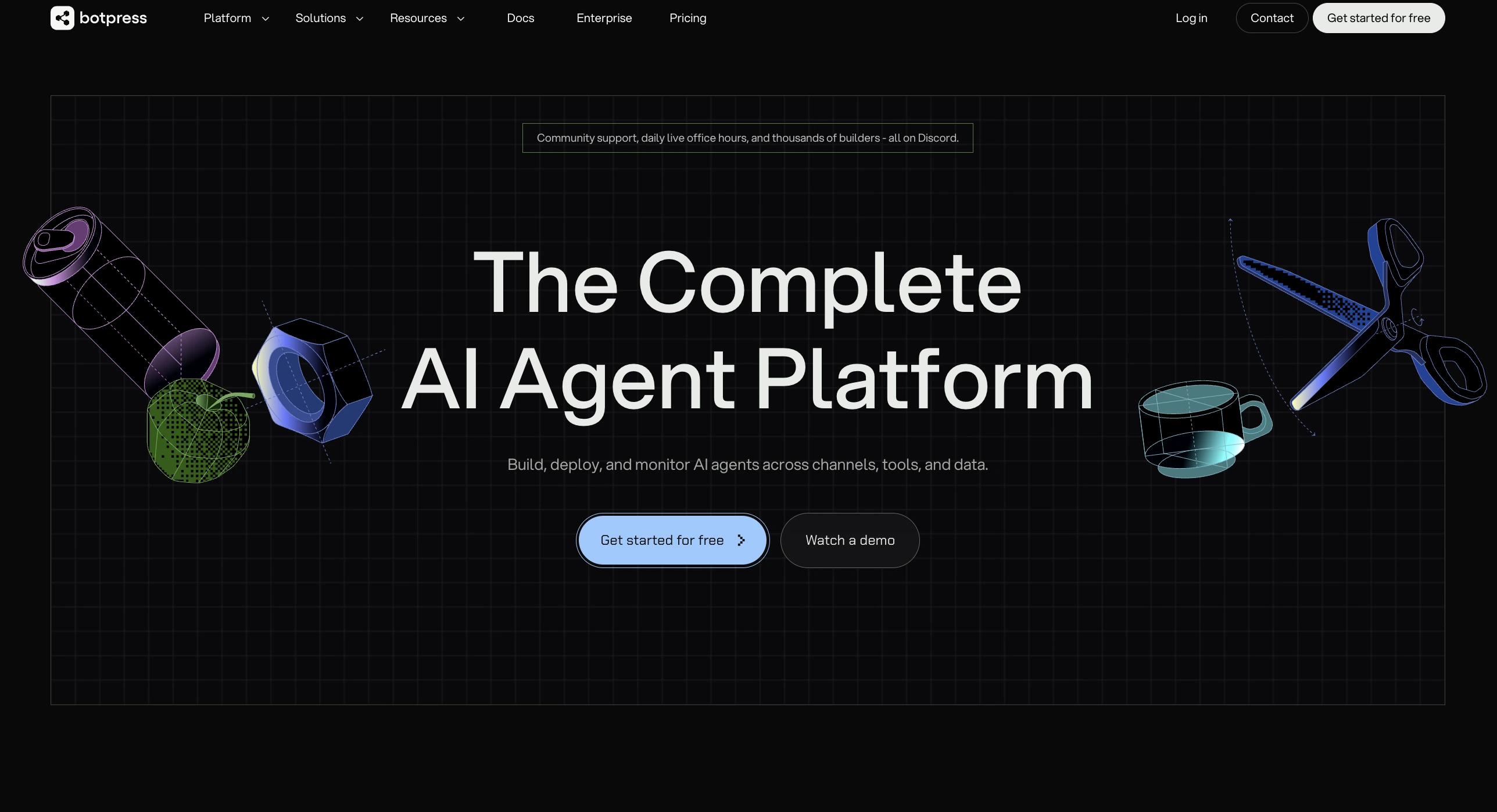
Botpress is an AI agent platform built for teams that need to take agents from prototype to production without rewriting the stack.
It combines a visual flow builder with full code-level extensibility, autonomous reasoning, knowledge bases, and human-in-the-loop controls that hold up under real workloads.
AgentKit vs Botpress
AgentKit ties teams to OpenAI infrastructure, while Botpress runs across any model provider and ships agents to a dozen channels without code changes.
My Experience on Botpress
I expected a chatbot tool. What I found was a full visual agent builder with autonomous reasoning, knowledge base integration, and human-in-the-loop checkpoints that actually work in production.
I swapped between OpenAI, Anthropic, and Groq during testing without changing a single workflow node. The model-agnostic routing alone solves the lock-in problem that broke two of my AgentKit prototypes.
Native multi-channel deployment closed the last-mile gap fast. A single agent shipped to web, WhatsApp, and Slack in one afternoon.
The built-in RAG knowledge bases meant no external vector database, no separate ingestion pipeline, and no juggling embedding parameters across services.
The trade-off shows up in deeper customization, where you eventually meet Botpress's own APIs. The ramp is gradual rather than a wall.
After three weeks, it was the only platform on the list that handled both the prototype and the production deployment in the same environment.
Botpress Key Features
Botpress Pros
Botpress Cons
Botpress Pricing
Botpress charges per AI spend rather than seat counts. The Plus and Team plans bundle workflow runs and AI spend, with overage billing on top.
2. LangChain
⭐ G2: 4.5/5
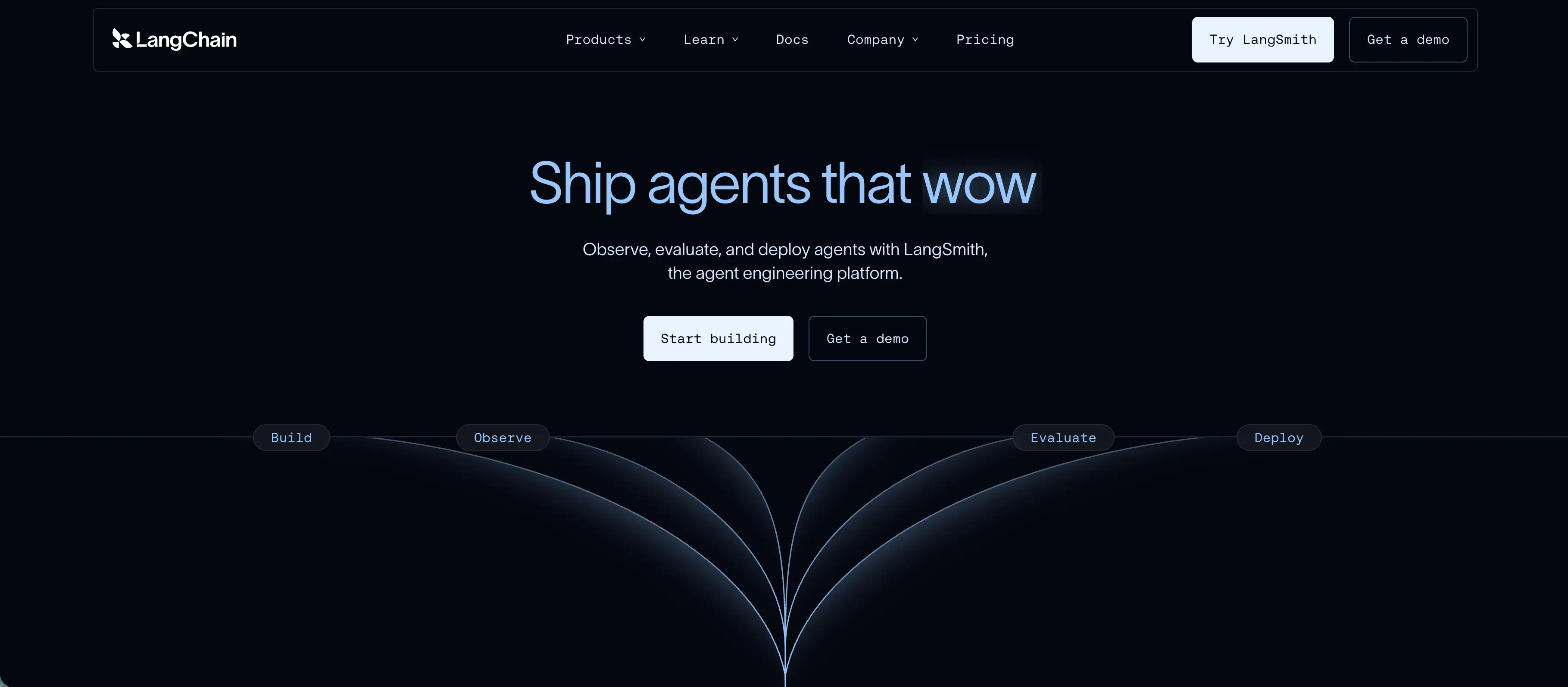
LangChain is a Python and JavaScript LLM agent framework applications and agents. It provides modular building blocks — chains, agents, tools, memory, retrievers — that developers wire together in code.
The framework most teams reach for when they want maximum modularity over a managed canvas.
AgentKit vs LangChain
AgentKit ties teams to OpenAI's managed canvas, while LangChain is a code-first modular framework with thousands of community integrations across LLMs and tools.
My Experience on LangChain
I built a multi-step research agent using LangChain's agent executor. I chained it through a vector retriever for company docs and wired OpenAI and Anthropic alongside each other.
The breadth of integrations is the real draw. Almost every LLM, vector store, and tool I needed had a community or first-party module already.
Where things slowed down was in the abstraction layers themselves. Some patterns required understanding multiple class hierarchies, and the API has churned enough that older tutorials no longer work as written.
Documentation gaps and breaking changes meant I lost time chasing version mismatches.
Teams that want code-first control over AI agent workflows (and are comfortable with frequent API churn) get a wider integration set than any purpose-built platform on this list. Teams that want a stable visual builder will find the abstraction overhead a liability.
LangChain Key Features
LangChain Pros
LangChain Cons
LangChain Pricing
LangChain core is free under MIT license. LangSmith — the paid observability layer — uses tiered pricing with per-trace billing above plan caps.
3. n8n
⭐ G2: 4.8/5
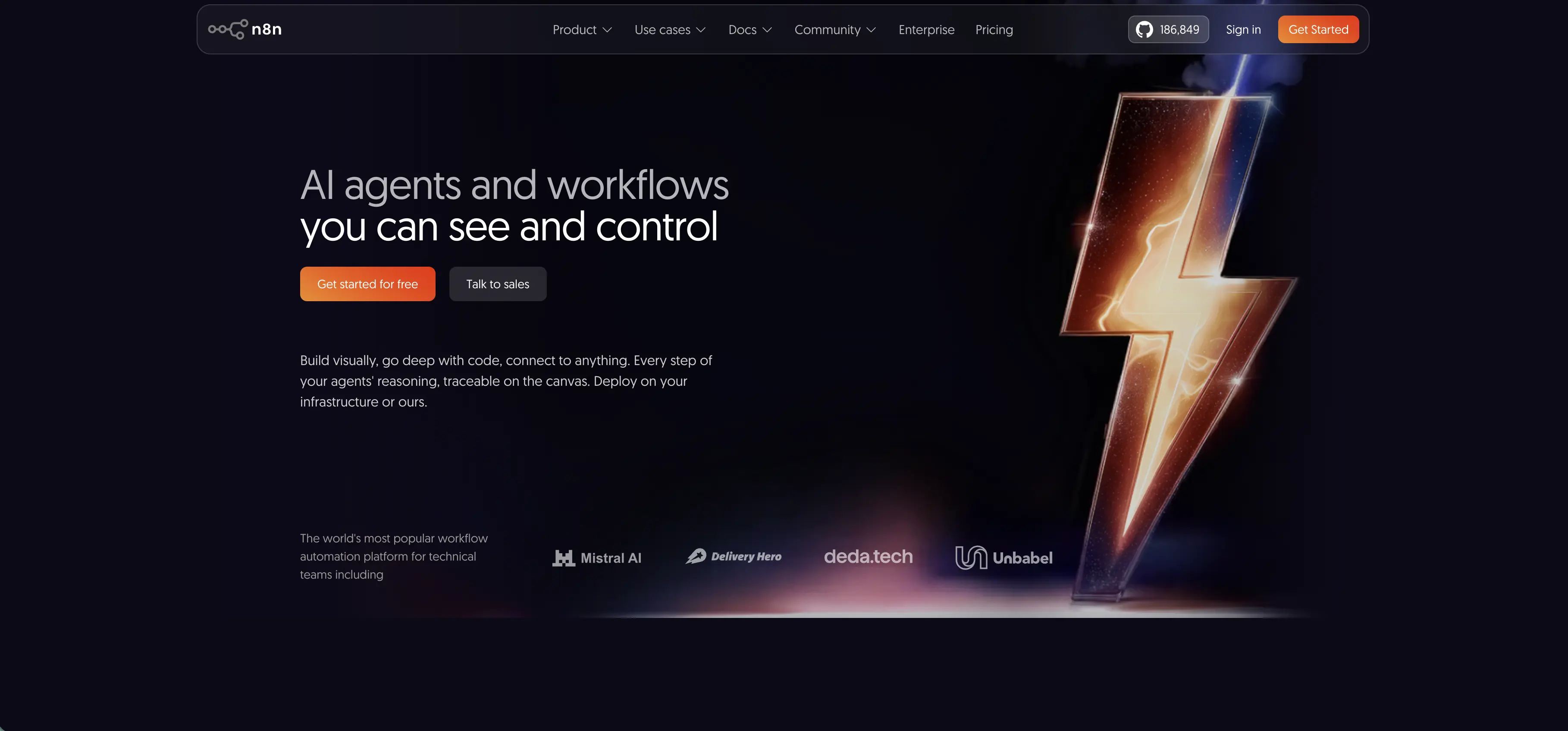
n8n is a low-code engine for AI workflow automation engine that added AI agent capabilities on top of a mature integration platform.
With over 400 native integrations, error handling, retry logic, and execution history, it shines when the hard part of a project is orchestrating data across systems rather than the LLM reasoning itself.
AgentKit vs n8n
AgentKit is an agent builder with connectors, while n8n is a workflow automation engine with hundreds of native integrations and AI nodes layered in.
My Experience on n8n
I reached for n8n when I needed an agent that pulled data from Salesforce, ran it through an LLM, and wrote structured results back to Airtable. The three-system workflow took 20 minutes because n8n already had native connectors for all three.
Error handling, retry logic, and execution history are years ahead of AgentKit's Connector Registry.
The AI nodes feel slightly bolted on rather than native, and the canvas gets cluttered fast on multi-branch flows with parallel execution paths.
The bigger surprise was cost control. It's easy to burn through executions during testing without realizing it.
For teams whose hardest problem is moving data between SaaS tools, n8n is the right answer. For teams whose hardest problem is reasoning logic, it's the wrong layer.
n8n Key Features
n8n Pros
n8n Cons
n8n Pricing
n8n charges per execution rather than per seat. Cloud plans include a fixed monthly execution cap, with overage billing applied above the limit.
4. Dify
⭐ G2: 4.6/5
Dify is a low-code AI agent builder with a plugin ecosystem, RAG support, and an open-source community edition that runs the same codebase as the managed cloud.
The hybrid deployment story is what sets it apart: managed today, self-hosted tomorrow, air-gapped on-prem next quarter.
AgentKit vs Dify
AgentKit runs only on OpenAI's cloud, while Dify offers the same product as managed cloud, self-hosted, or air-gapped on-premise deployment.
My Experience on Dify
I tested the cloud version for a document Q&A agent and had it running in under an hour.
The RAG pipeline configuration was more transparent than AgentKit's file search. I controlled chunking and embedding parameters directly rather than trusting a black box.
The plugin ecosystem covered most of the integrations I needed without custom Model Context Protocol work.
The friction showed up in governance. RBAC and audit logging lag behind commercial-first platforms, which slows enterprise procurement conversations.
Documentation for advanced features is still catching up to the product. The licensing is also worth a careful read before large deployments — it's not pure Apache.
For mid-market teams that want a self-hosted exit ramp without rebuilding the agent, Dify is genuinely useful.
Dify Key Features
Dify Pros
Dify Cons
Dify Pricing
Dify scales by GPT-4 call volume rather than seat count. Cloud plans include a fixed monthly call cap, with custom enterprise pricing on request.
5. Relevance AI
⭐ G2: 4.3/5
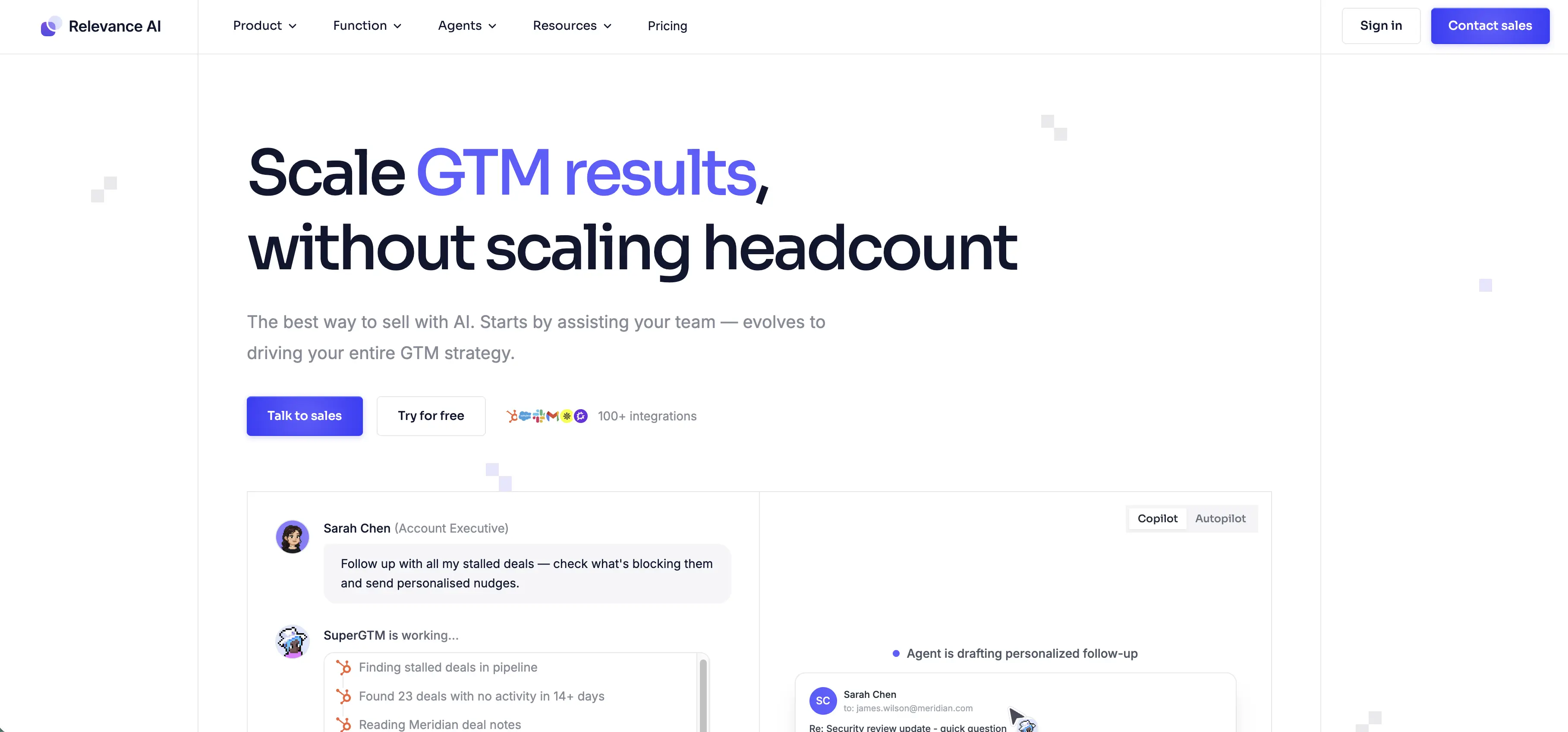
Relevance AI is built around the concept of an agent workforce — multiple specialized agents collaborating on tasks across the tools a team already uses.
With over 2,000 connectors and goal-based routing, it handles delegation natively rather than requiring manual orchestration code.
AgentKit vs Relevance AI
AgentKit builds individual agents well, while Relevance AI orchestrates multi-agent workforces with goal-based routing and 2,000-plus prebuilt connectors.
My Experience on Relevance AI
I tested Relevance AI for a sales agent operations flow where one agent researched prospects, another enriched CRM records, and a third drafted personalized outreach. The 2,000-plus connector library meant zero custom integration work.
The goal-based scaffolding was the standout. I set a goal, defined which agents could be called, and the platform handled routing automatically.
That same pattern required significant manual orchestration in Agent Builder.
Where Relevance AI gets expensive is at scale. Credits burn fast in production, and forecasting usage was harder than I expected.
The cloud-only deployment also rules it out for regulated industries with data residency rules.
For sales, marketing, and ops teams that want fast no-code agent teams, the prebuilt templates cut weeks off the build.
Relevance AI Key Features
Relevance AI Pros
Relevance AI Cons
Relevance AI Pricing
Relevance AI charges by credit usage rather than seat. Credits cover agent runs, with additional credits billed at quote-only rates above the plan cap.
After three weeks of testing, the pattern was clear. Teams that need multi-channel deployment, model flexibility, and a real exit ramp from OpenAI lock-in keep landing on Botpress.