a1811ac3b5fdda3680ab09166cf4a2d20651f2e301e2d6bf6db260b848e19594

Implementing AI help desk software can significantly lower your cost, especially if you have a very high volume of tickets. Salesforce says that AI in customer service saved $100 million annually.
The problem is that every AI help desk platform claims to be the best, which makes it difficult to separate real capability from marketing.
To make that easier, I reviewed a large pool of tools and narrowed it down to the 10 best AI help desk platforms. And after helping deploy customer support chatbots for more than 1,000,000 end users, we know what strong AI support actually looks like.
What is an AI help desk software?
AI help desk software automates repetitive support tasks and assists human agents. Most platforms can classify and route tickets on their own, then surface the right knowledge base content so agents resolve issues faster.
Benefits of AI Help Desk Software
Reduced Costs
AI help desk software can lower support costs by 30% to 50% by automating repetitive requests before they ever reach a human queue.
A human agent typically costs between $3.00 and $15.00 per interaction, accounting for salary, benefits, and office overhead. An AI agent handles the same routine queries for roughly $0.25 to $0.70 per interaction. The cost difference adds up quickly.
Increased Agent Productivity
AI in help desks increases agent productivity by decoupling support volume. AI reduced customer service agent workload by 5.8% on average from 2024 to 2025.
An AI agent implemented in your help desk can handle routine inquiries such as password resets, order tracking, and answering policy FAQs entirely without human involvement.
This allows human agents to concentrate on more complex issues that still require their expertise.
Hyper-Personalized Customer Experience
Hyper-personalized customer experience drives revenue. According to BCG, brands that use AI to personalize the customer journey see revenue lift in the 6% to 10% range.
Personalization drives conversions because relevant, timely support performs better than generic responses. Unlike traditional helpdesks with scripted replies, AI support can adapt to each customer’s context.
Example: a customer can upload a photo of a broken part or a screenshot of an error, and the AI can use computer vision to identify the issue and guide them toward the right resolution.
Key Features of AI Help Desk Software
Autonomous AI Agents
Autonomous AI agents go beyond scripted responses. They read context from past interactions, process text, voice, and images, and handle routine tasks end-to-end. In AI help desk software, AI agents can:
Intelligent Ticket Triage
AI help desk software reads incoming requests and routes them based on intent, urgency, and customer context — all before a human ever sees the ticket. In practice, intelligent triage helps teams by:
Live Support for Human Agents
Not every ticket should be fully automated. When a case needs a human agent, AI can continue supporting the conversation in the background. In AI help desk software, an AI copilot can:
AI Help Desk Platforms Comparison
10 Best AI Help Desk Software Platforms
Botpress
Rating (G2): 4.5/5 from 492 reviews.
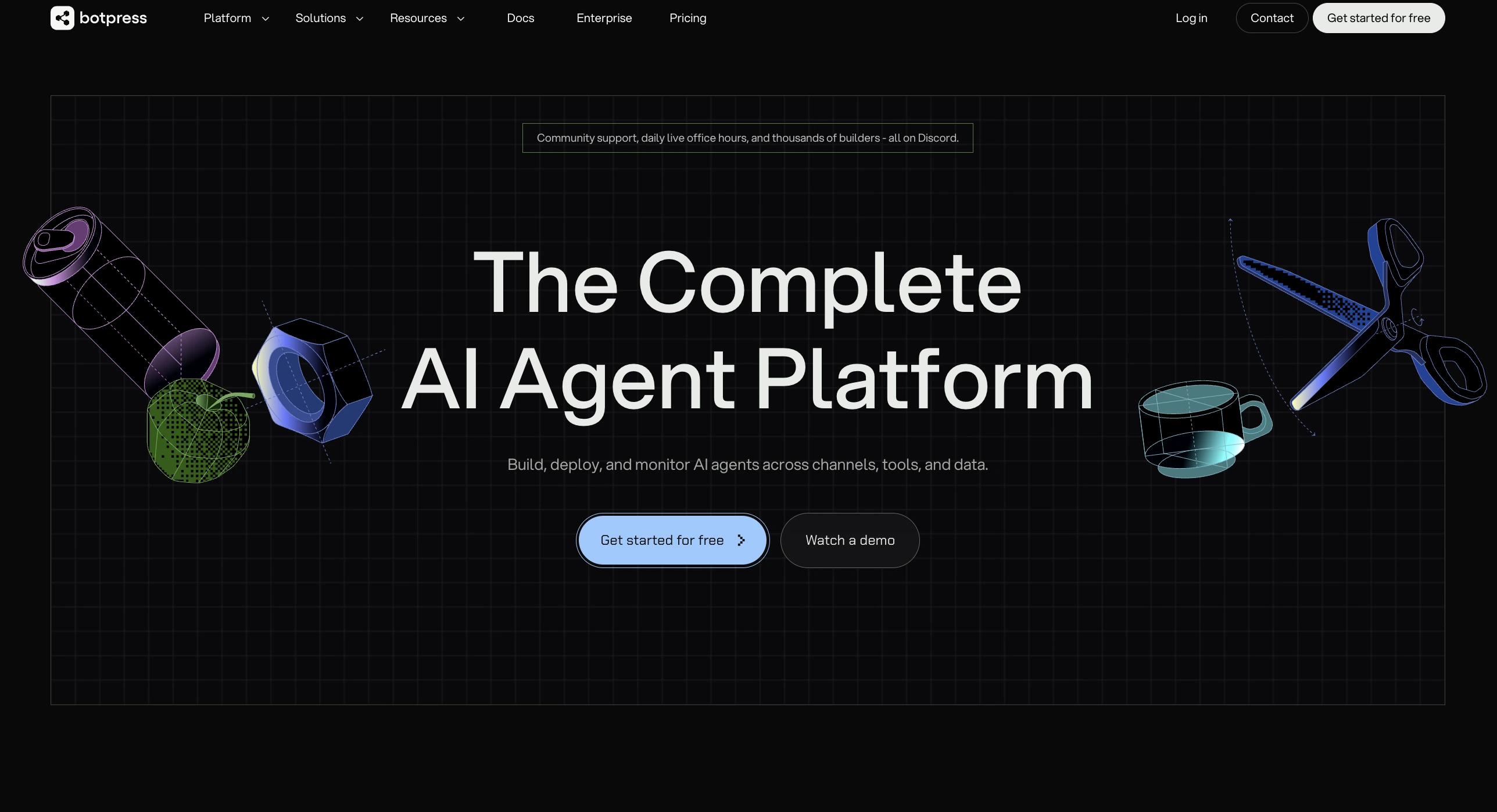
Botpress is an open-core AI help desk and agent platform built for teams that want to automate support with their own LLM, knowledge sources, and integrations — instead of subscribing to a closed help desk template. It pairs a visual builder for non-developers with full code-level control for engineers.
What are Botpress's key features?
✅ AI agents that handle triage, FAQ resolution, and multi-step support workflows end-to-end across web, WhatsApp, Messenger, Slack, SMS, and voice.
✅ LLM-agnostic architecture — pick OpenAI, Anthropic, Google, or open-source models per node, with no forced lock-in to a single provider.
✅ Human-in-the-loop handoff that passes the full conversation transcript, detected intent, and customer context into Zendesk, Salesforce, Intercom, or Botpress Desk.
✅ 100+ pre-built integrations plus REST tool calls into any internal system (order data, refund APIs, CRM lookups).
What are Botpress's limitations?
What is Botpress's pricing?
Pay-as-you-go: $0/month + AI spend
Plus: $150/month + AI spend
Team: $495/month + AI spend
Enterprise: custom pricing
Zendesk
Rating (G2): 4.3/5 from 7,128 reviews.
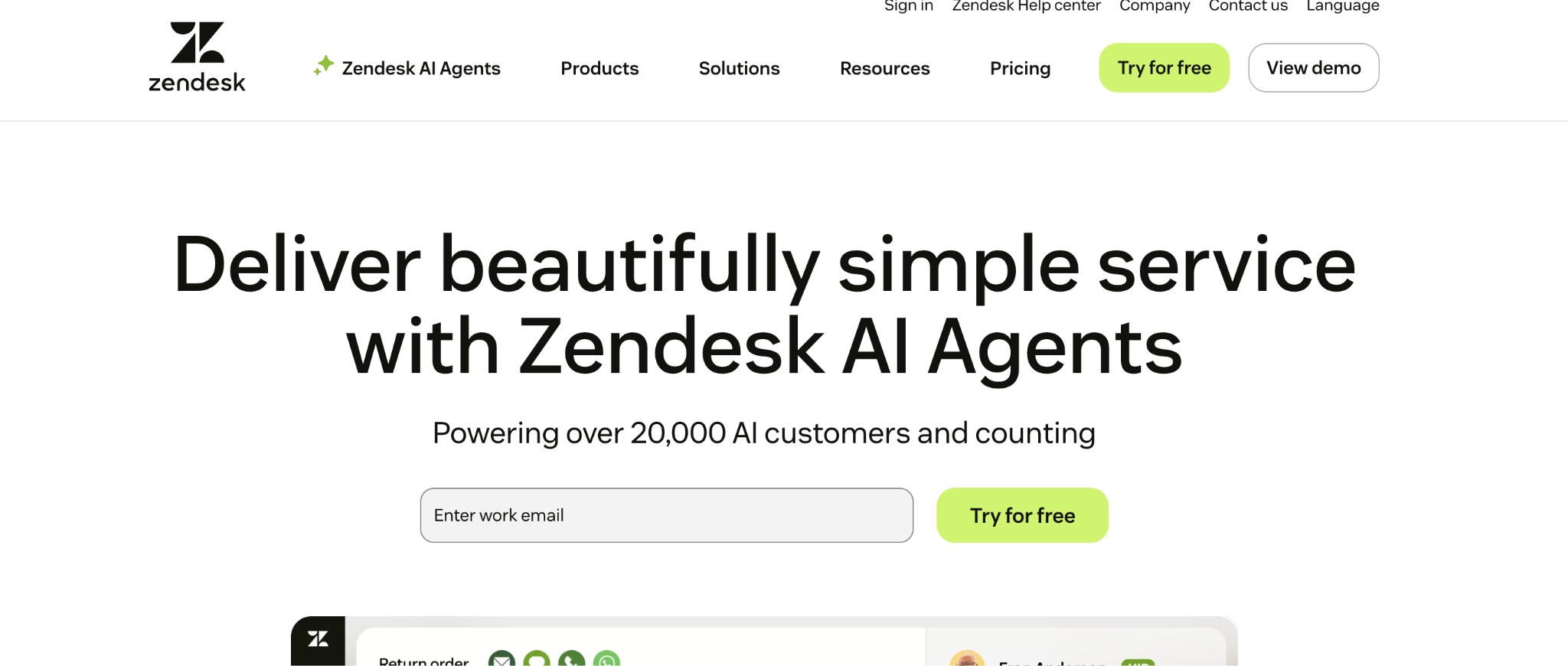
Zendesk for Customer Service is a mature AI help desk platform built for teams that need structured ticketing, omnichannel support, and a large integration ecosystem. It combines self-service, agent workspace tools, automation, and AI features in one platform, which makes it a common choice for mid-market and enterprise support teams.
What are Zendesk’s key features?
✅ AI across self-service, agent workflows, and admin tasks, trained on billions of CX interactions.
✅ Omnichannel support for email, phone, social messaging, and unified case management in one workspace.
✅ AI-powered QA and workforce management for agent coaching, scheduling, and peak-time readiness.
✅ Marketplace with 1,800+ apps and broad integrations for flexible stack expansion.
What are Zendesk’s limitations?
What is Zendesk's pricing?
Support plans: $19/user/month
Suite plans: $55/user/month
Suite Professional: $115/user/month
Suite Enterprise: $169/user/month
Freshdesk
Rating (G2): 4.4/5 from 3,722 reviews.
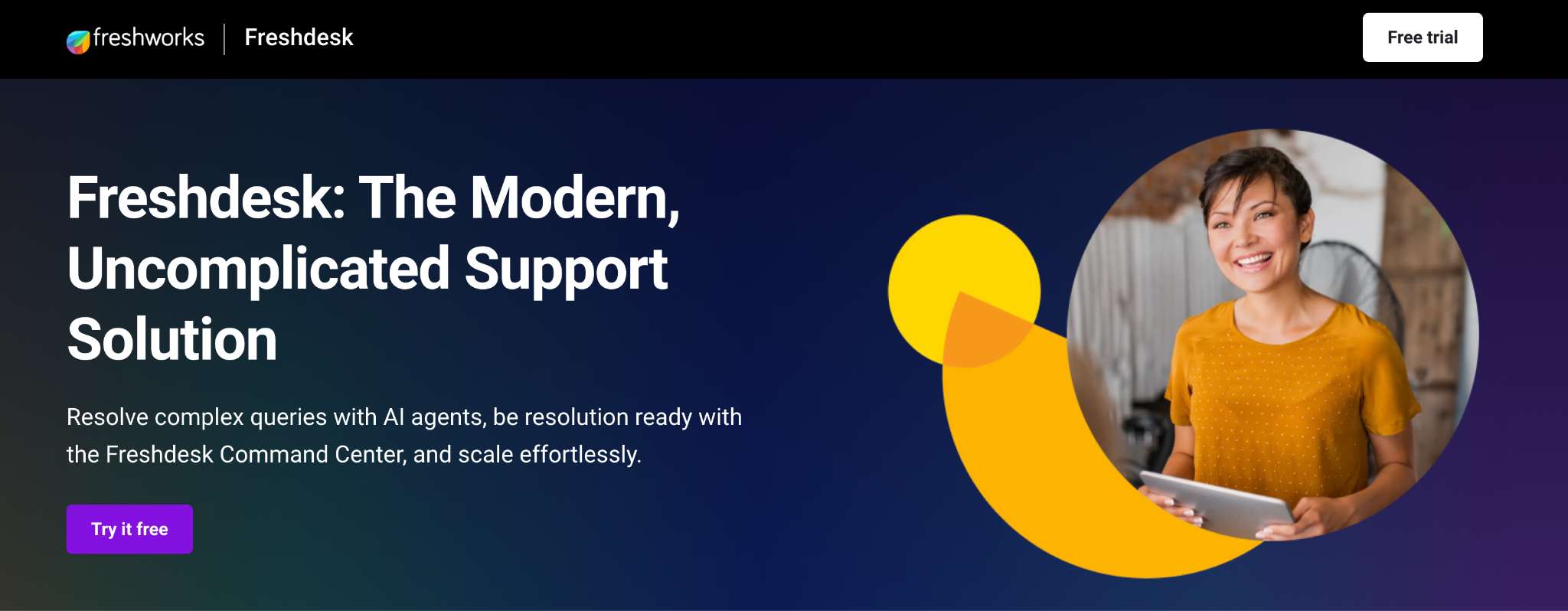
Freshdesk is an AI help desk platform for teams that want omnichannel support and solid automation without the heavier setup that often comes with enterprise tools. It combines ticketing, chat, voice, analytics, and Freddy AI in one workspace.
What are Freshdesk’s key features?
✅ Freddy AI agents and copilot handle simple and complex queries, assist resolutions, and surface AI insights from one command centre.
✅ Robust ticket categorization, SLA tracking, canned responses, and custom scenarios help teams manage multi-brand queues with faster first responses.
✅ Strong email, Teams, Jira, Genesys Cloud, and Shopify integrations support centralized routing, collaboration, and cross-channel case handling.
What are Freshdesk’s limitations?
What is Freshdesk’s pricing?
Free (1–2 agents): $0 / 6 months
Growth: $19 / agent / month
Pro: $55 / agent / month
Enterprise: $89 / agent / month
Intercom (Fin AI Agent)
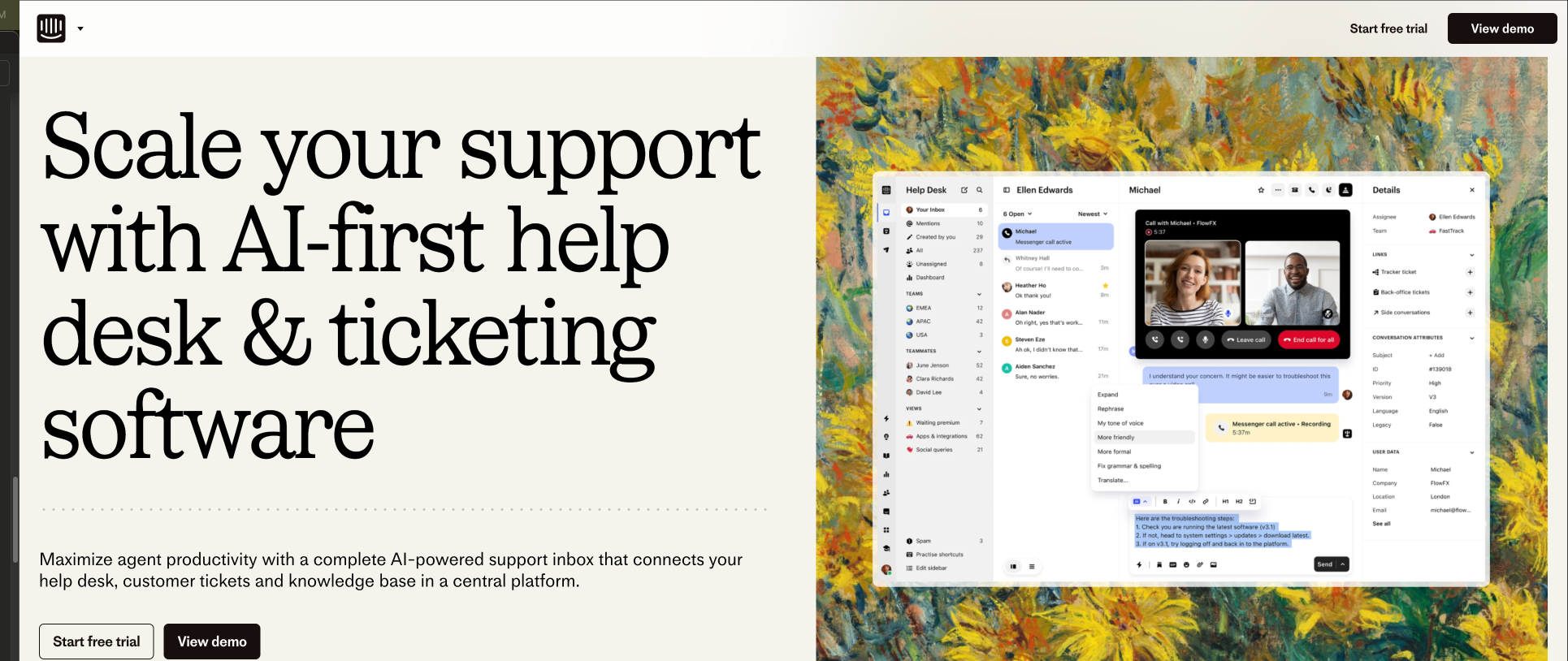
Rating (G2): 4.5/5 from 3,808 reviews.
Intercom (Fin AI Agent) is an AI-first help desk built around Fin, combining live chat, email, phone, help centre content, workflows, and ticketing in one system that can automate repetitive support while preserving clean handoffs to human agents.
What are Intercom Fin‘s key features?
✅ Fin answers from help-centre content, past conversations, snippets, and guidance, with tone-of-voice controls and segment-specific behaviour.
✅ Drag-and-drop workflows and API-triggered actions make routing, escalation, and self-serve admin unusually practical for technical teams.
✅ Native cross-channel setup spans chat, email, and phone, with analytics, testing, and deployment controls inside the same workspace.
✅ Connects with Zendesk, Salesforce, and HubSpot.
What are Intercom Fin’s limitations?
What is Intercom Fin’s pricing?
Fin (with your helpdesk): $0.99 / outcome
Fin (with Intercom Helpdesk): $0.99 / outcome + $29 / seat / month
Copilot add-on: $35 / month
Pro add-on: $99 / month
Zoho Desk
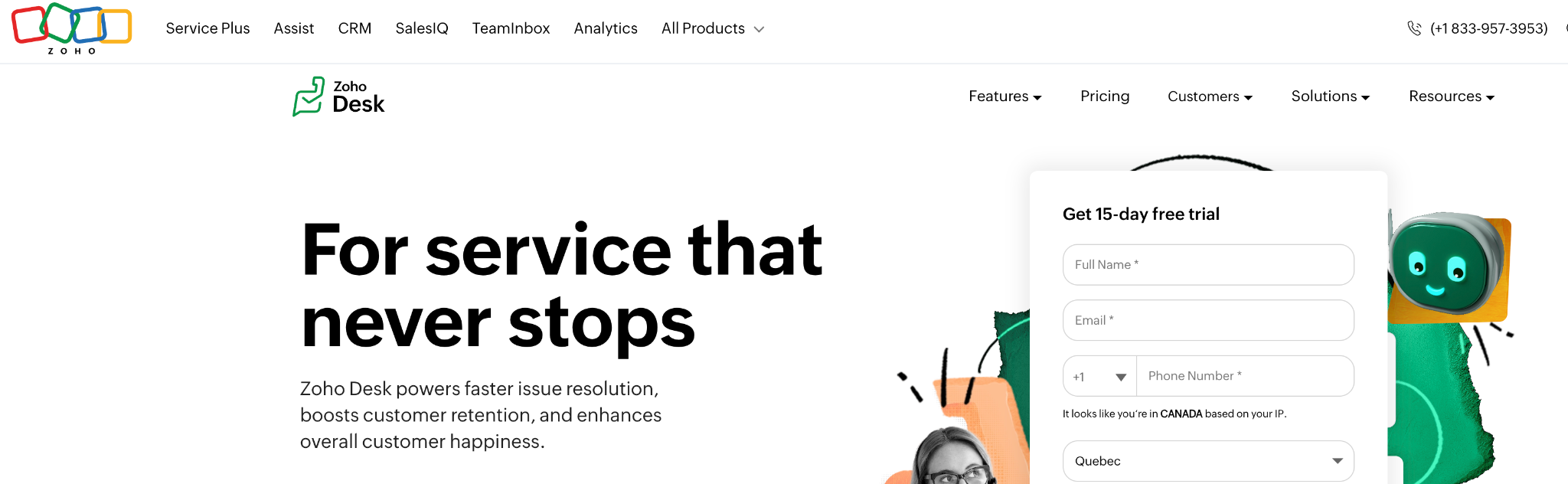
Rating (G2): 4.4/5 from 7,409 reviews.
Zoho Desk is an AI-enabled help desk platform that brings email, chat, phone, social, and CRM-linked tickets into one system.
What are Zoho Desk’s key features?
✅ Omnichannel ticketing that pulls email, chat, social, phone, and even WhatsApp-related workflows into one structured support hub.
✅ Automation for repetitive tasks, custom workflows, and department-based routing, plus AI assistance for agent suggestions and historical context.
✅ Deep integrations with Bigin, Zoho CRM, Slack, Shopify, Jira, Microsoft 365, and many other business tools.
What are Zoho Desk’s limitations?
What is Zoho Desk’s pricing?
Standard: $19/user/month
Professional: $19/user/month
Enterprise: $50/user/month
Ultimate: $65/user/month
Tidio
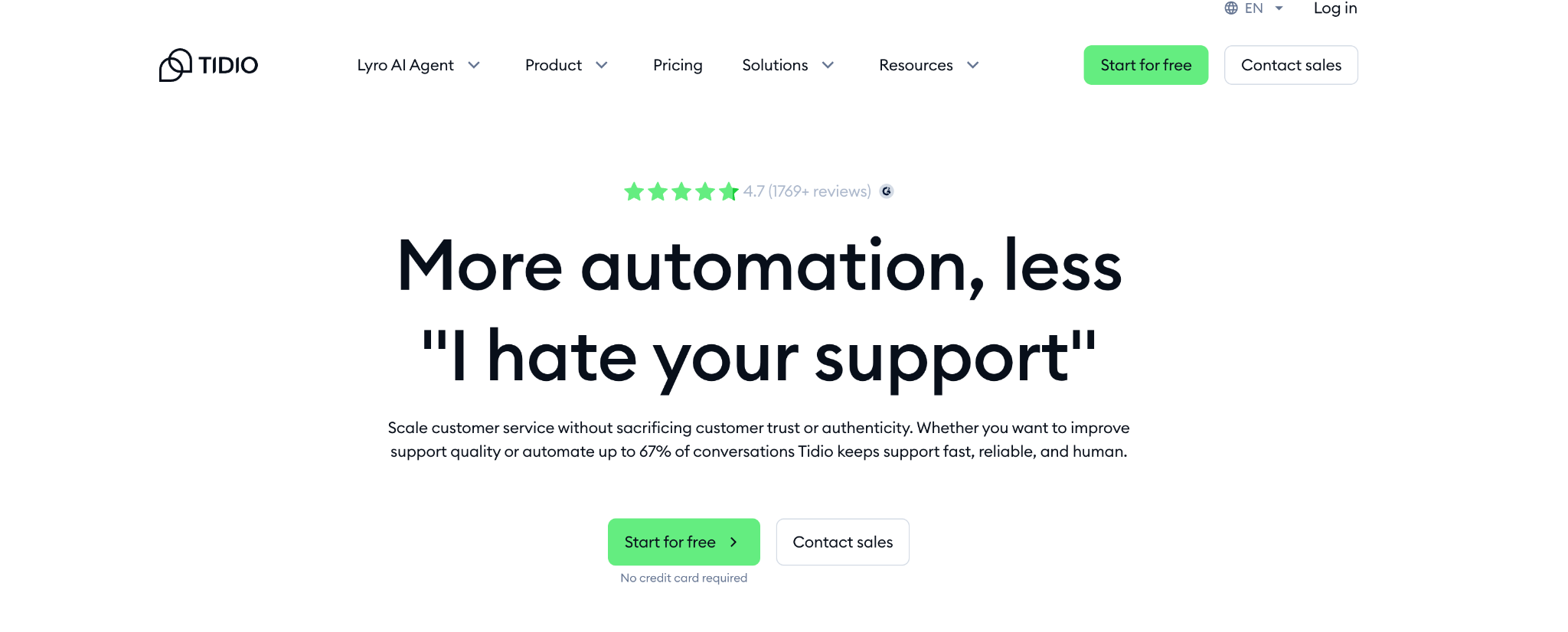
Rating (G2): 4.6/5 from 1,880 reviews.
Tidio is an AI help desk built around live chat, chatbot automation, and Lyro AI, giving small teams one place to answer questions, convert visitors, and turn conversations into tickets.
What are Tidio’s key features?
✅ Lyro AI answers common questions, hands off uncertain cases to humans, and can be trained from existing help content, including imported Zendesk articles.
✅ Unified inbox pulls email, website chat, Messenger, Instagram, and WhatsApp into one dashboard, with chats convertible into tickets.
✅ Shopify-native workflows support cart preview, order history, product recommendations, refunds, updates, and discount sharing directly in chat.
What are Tidio’s limitations?
What is Tidio’s pricing?
Free Plan: $0 / 50 billable conversations
Starter: $24.17 / 100 billable conversations
Flows: $24.17 / 2,000 visitors reached
Lyro AI Agent: $32.50 / 50 Lyro AI conversations
Growth: $49.17 / 250 billable conversations
Plus: $749 / custom billable conversations
Premium: custom pricing / custom billable conversations
Hiver
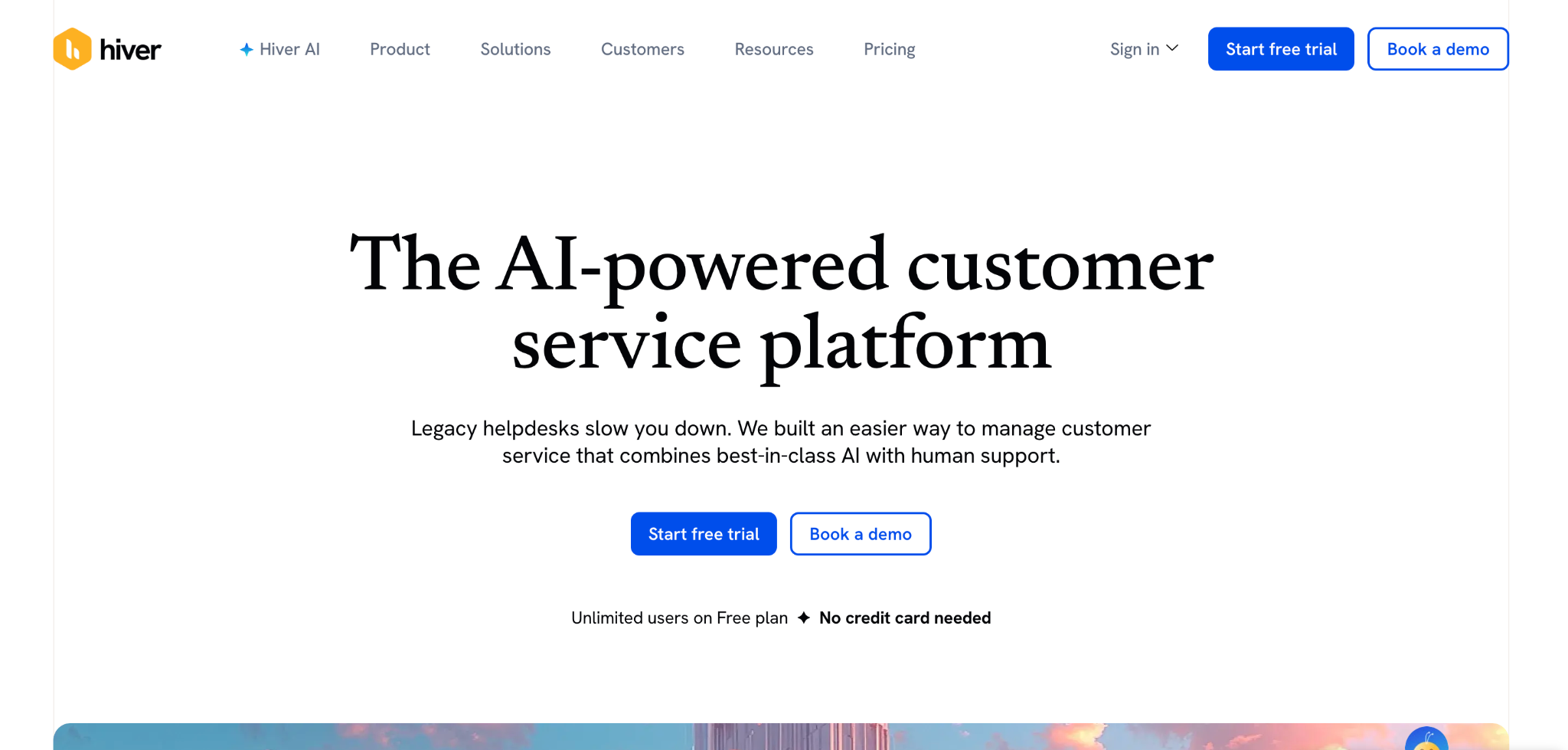
Rating (G2): 4.6/5 from 1,278 reviews.
Hiver is a Gmail-native AI help desk that turns shared inboxes into structured support workflows, helping teams assign ownership, automate triage, collaborate internally, and manage customer conversations without leaving Gmail.
What are Hiver’s key features?
✅ Gmail-native shared inboxes with email assignment, ownership tracking, and internal collaboration inside the inbox.
✅ AI support features for simplifying processes, plus automation for routing and organizing incoming requests.
✅ Strong email management for remote teams handling support and sales queries without missing replies.
What are Hiver’s limitations?
What is Hiver’s pricing?
Free: $0/user/month
Growth: $25/user/month
Pro: $55/user/month
Elite: $85/user/month
Aisera
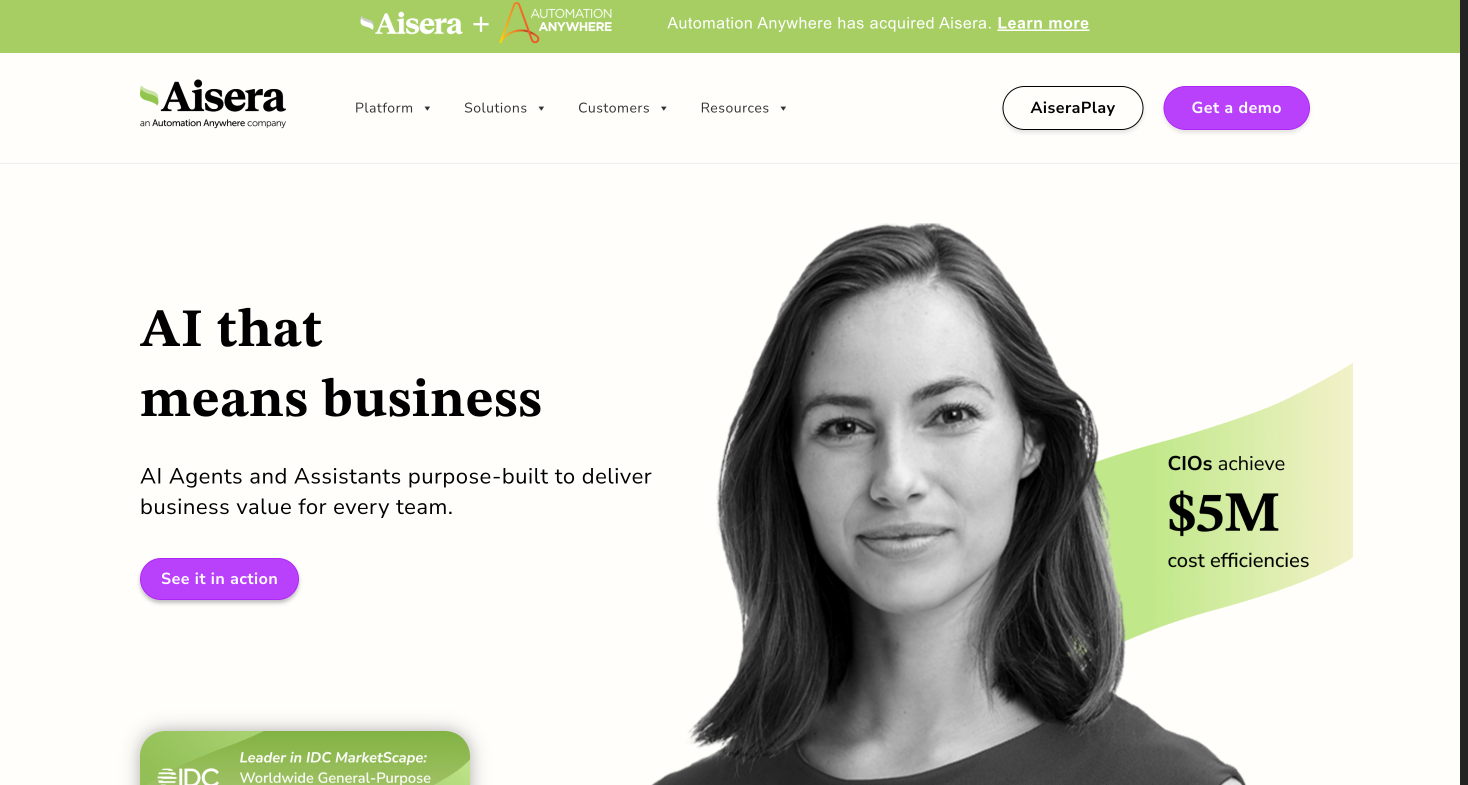
Rating (G2): 4.4/5 from 147 reviews.
Aisera is an AI-first help desk platform built to automate repetitive service workflows with generative and conversational AI, while connecting enterprise systems like ServiceNow, Slack, and Microsoft Teams for faster resolution.
What are Aisera’s key features?
✅ Generative and conversational AI for handling repetitive support requests and FAQs
✅ Strong enterprise integrations, especially with ServiceNow, Slack, and Microsoft Teams
✅ Self-service automation that reduces agent workload and context switching
✅ AI suggestions and automation tools built for multi-team support environments
What are Aisera’s limitations?
What is Aisera’s pricing?
Prices are not disclosed by the platform.
Kayako
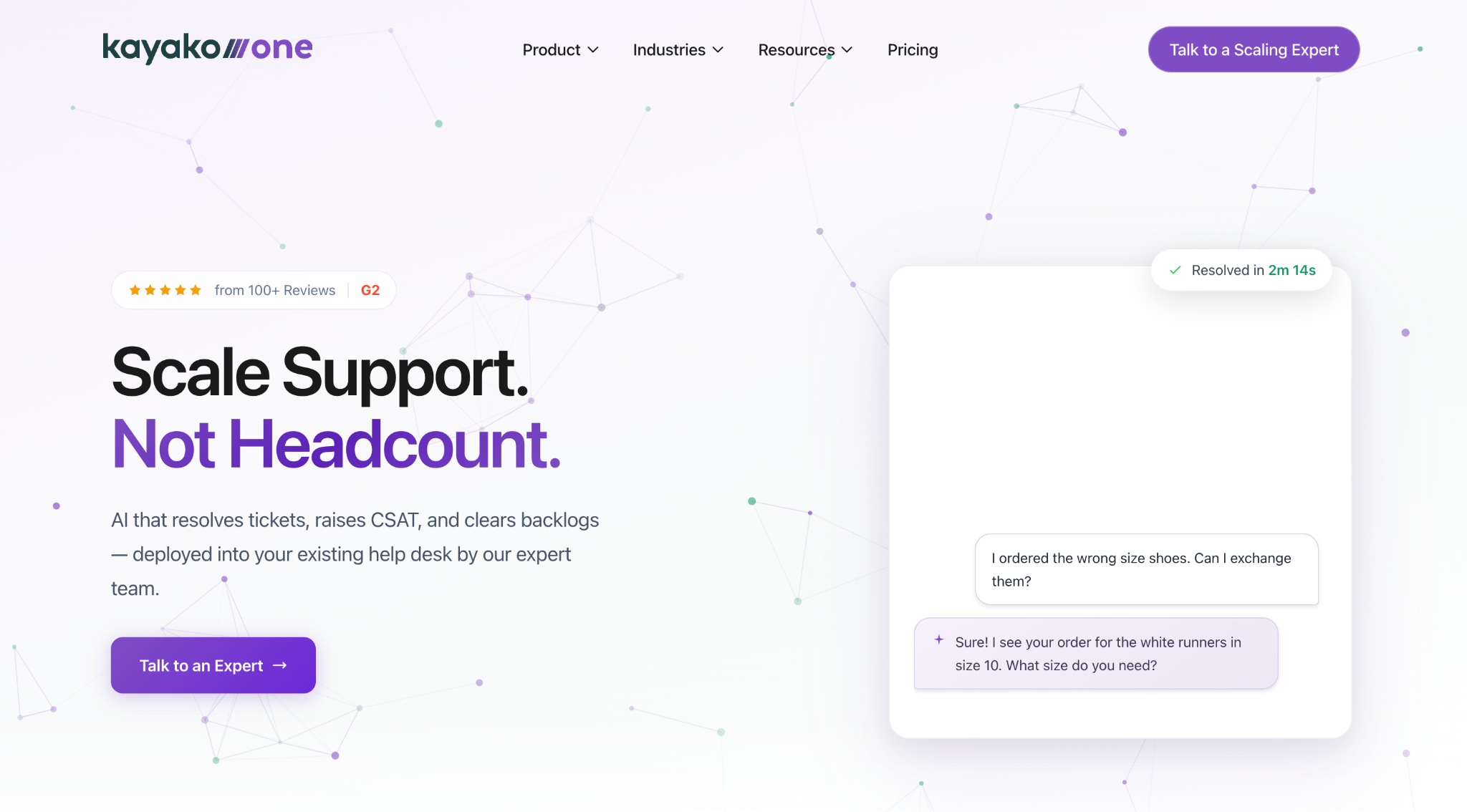
Rating (G2): 4.0/5 from 223 reviews.
Kayako is an AI help desk built around contextual reply suggestions, ticket summaries, self-learning automation, and a unified inbox for email, chat, and messenger support.
What are Kayako’s key features?
✅ Contextual AI suggestions and summaries that help agents reply faster and more consistently.
✅ AI Ticket Assistant lets agents “chat with the ticket” to pull key details from long threads.
✅ Self-Learning Mode improves responses using closed tickets.
✅ Unified inbox plus SingleView customer history across chat, email, and messenger.
What are Kayako’s limitations?
What is Kayako’s pricing?
Note that Kay is priced per resolved ticket.
Kay: $1 / resolved ticket
Kayako One: $79 / agent/month
Help Scout
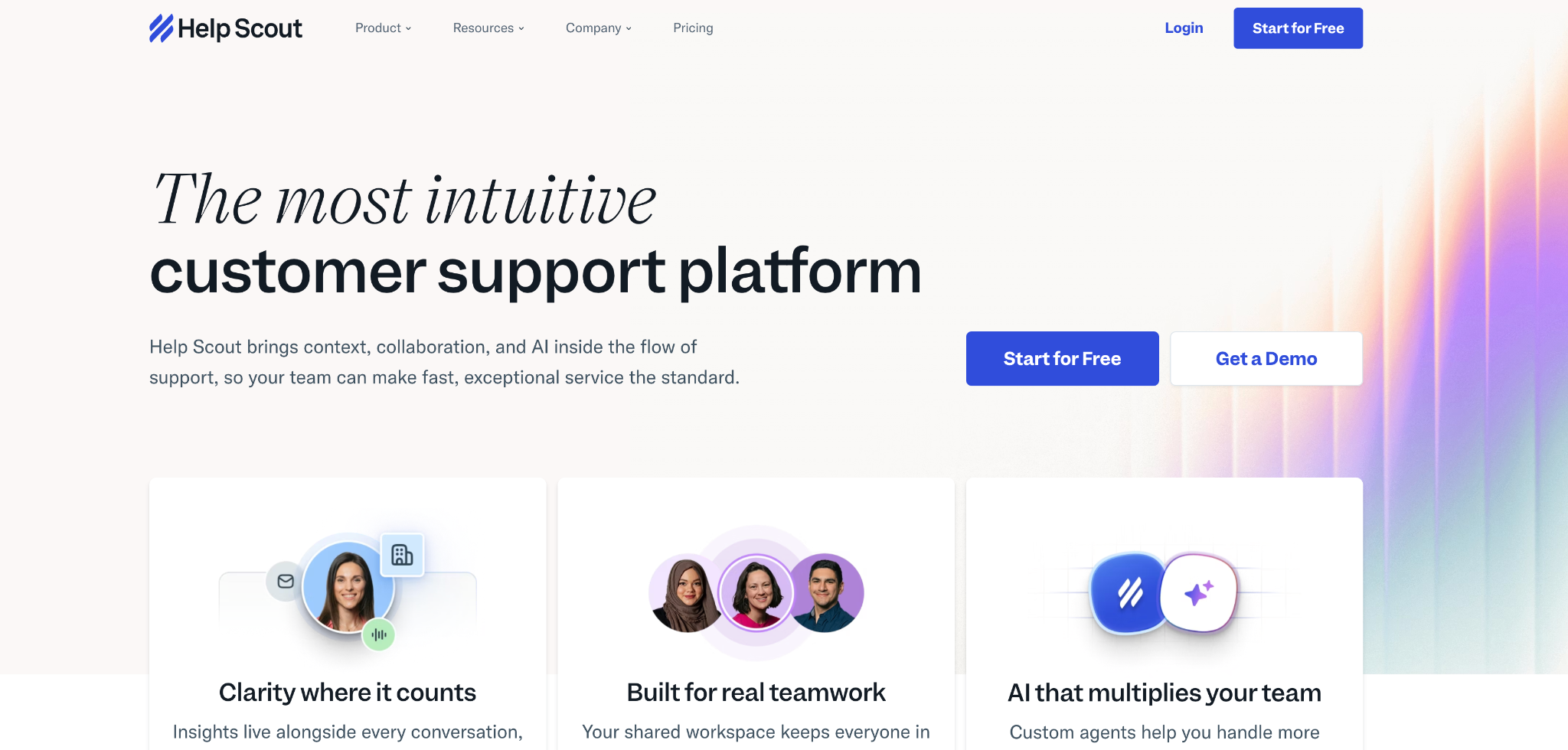
Rating (G2): 4.4/5 from 424 reviews.
Help Scout is an AI-assisted help desk built around shared inboxes, live chat, and self-service docs, giving support teams a clean, email-like workspace to manage conversations without fragmented tools.
What are Help Scout’s key features?
✅ Shared inbox that centralizes conversations for team collaboration and simple ticket handling
✅ Live chat plus HelpDocs knowledge base for self-service support flows
✅ AI assistance for automated help, with reviewer-noted value in workflow support
✅ Historical conversation visibility that makes past customer context easy to retrieve
What are Help Scout’s limitations?
What is Help Scout’s pricing?
Free: $0 / up to 5 users
AI Answers add-on: $0.75/resolution
Standard: $25/user/month
Plus: $45/user/month
Pro: $75/user/month
Support volume doesn't stay small for long. The teams that adopt AI early are the ones that scale service without letting response times or costs drift in the wrong direction. Botpress lets teams build AI agents that automate support end-to-end — from answering questions to triggering backend workflows — and hand off to a human when the situation calls for it. Start building today. It's free.