What's New in Lavender 3.0 💜
Lavender 3.0 — крупное обновление расширения для написания холодных писем. Панель Lavender теперь встроена слева от окна compose (в Gmail), появилась новая цветовая палитра и более современный вид. Главные новинки: поток Start My Email с ледоколами и AI-генерацией писем, обновлённый Personalization Assistant с подкастами, лентами LinkedIn и X, поиском по ключевым словам и поддержкой нескольких email-адресов. Email Coach теперь показывает оценку прямо в боковой панели с разбивкой на необходимые исправления, предложения и удачные моменты, включая варианты замены длинных предложений. Также добавлены Frameworks — встроенные продажные фреймворки с примерами использования, и интеграция с GIPHY для подбора GIF.

What's New in Lavender 3.0 💜
Updated Look and Location 👀
Lavender is now embedded on the left side of your compose window vs. the right side.
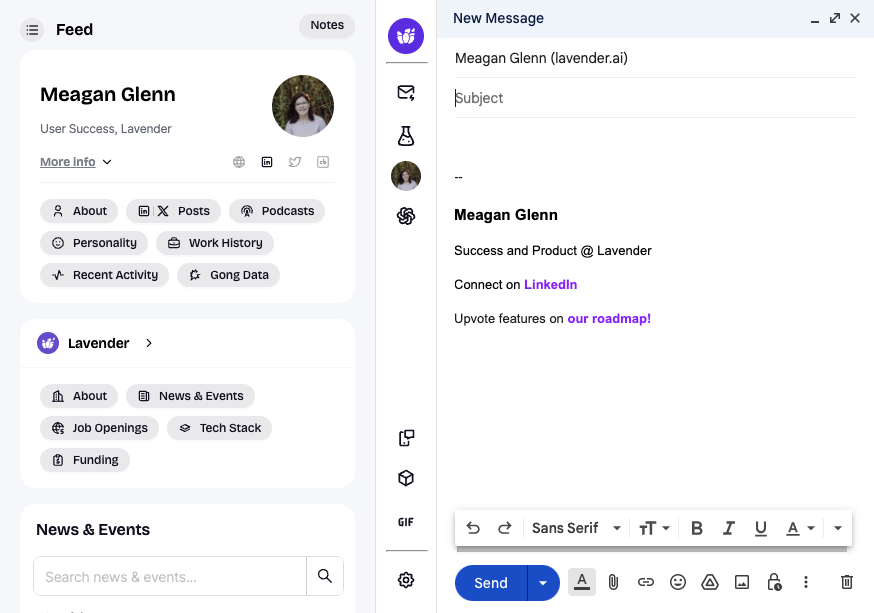
This creates a more integrated experience -- but it might take some getting used to. 😉
In other email clients, like Outlook for example, the location will remain the same.
Visual Improvements
Explore more! 🥳
Start My Email
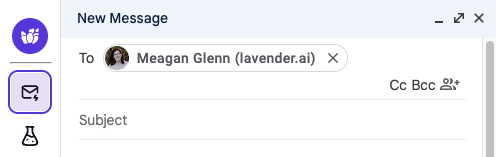
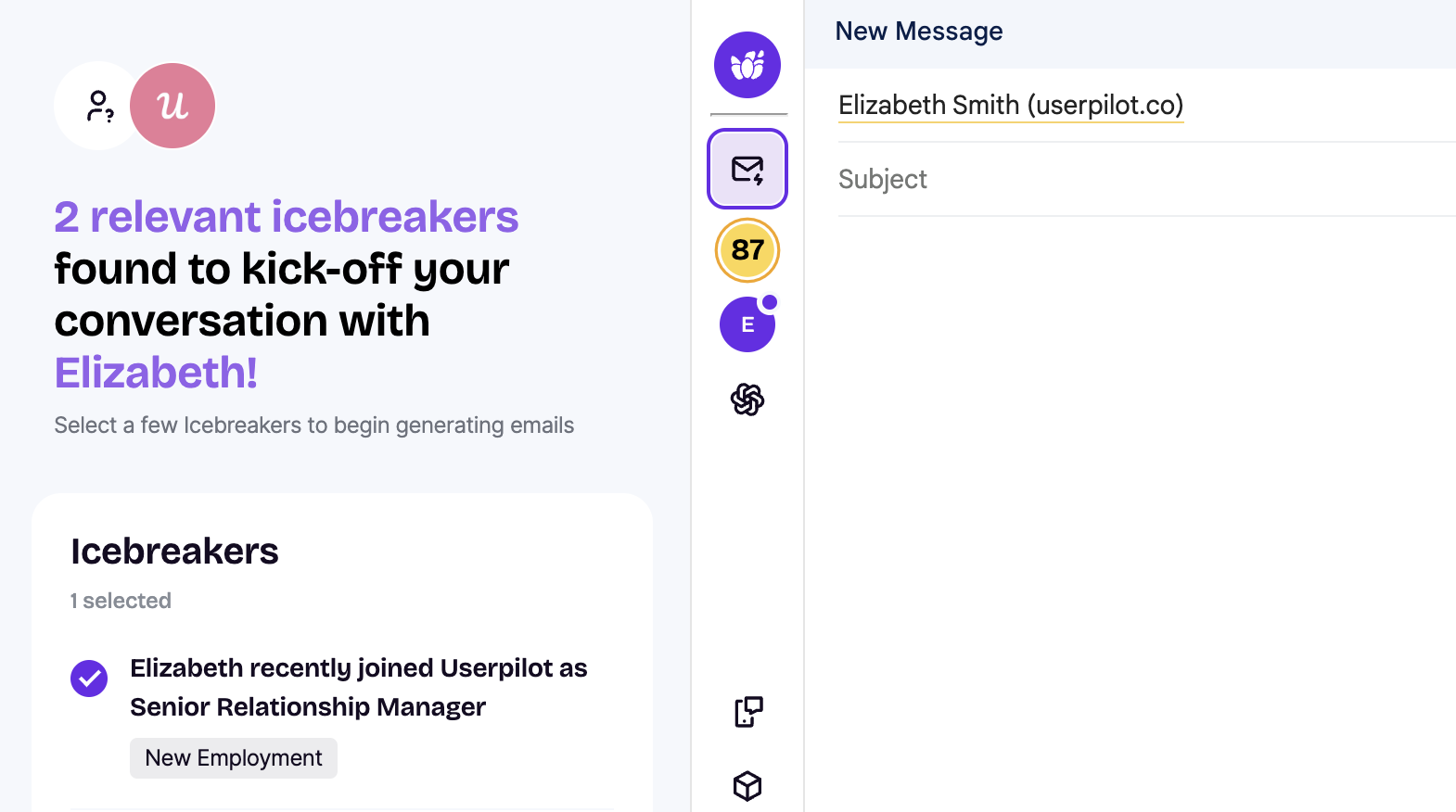
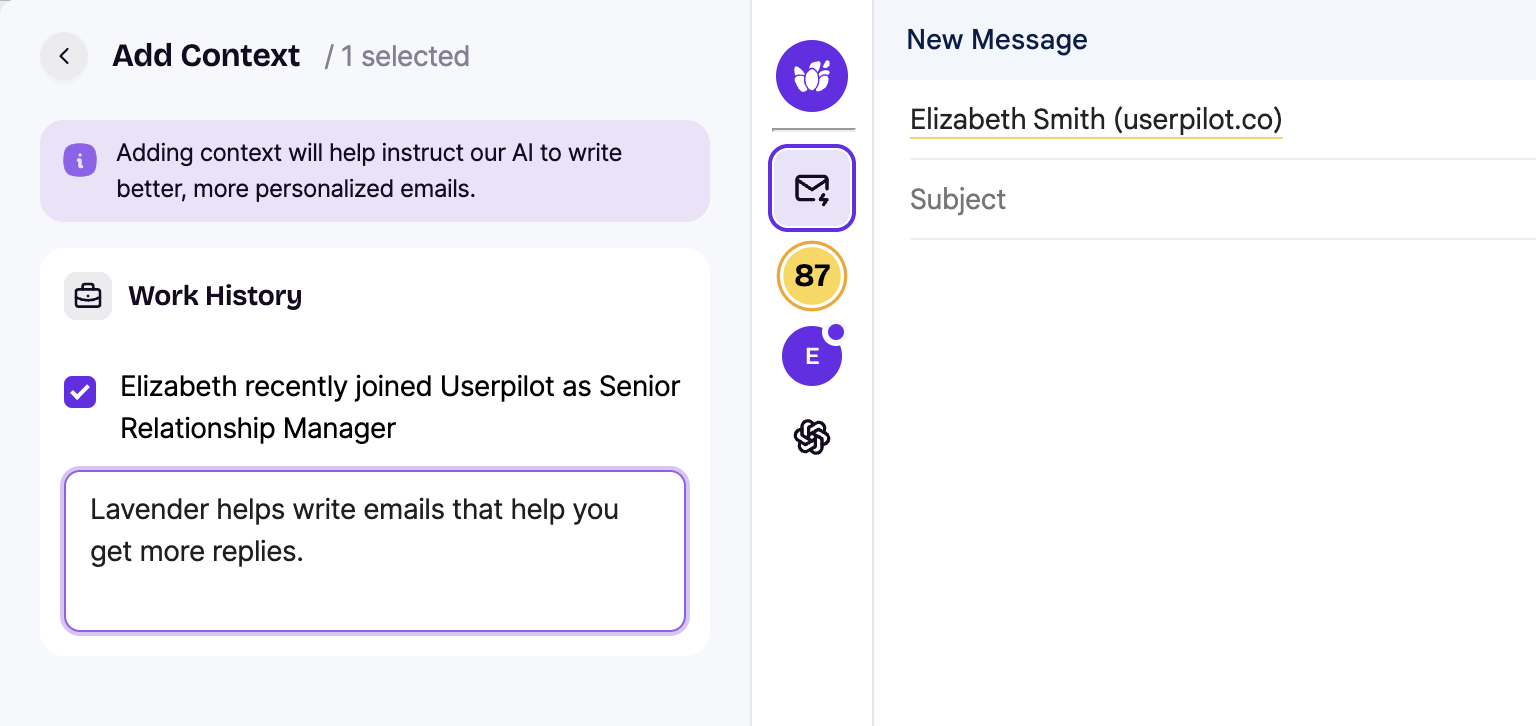
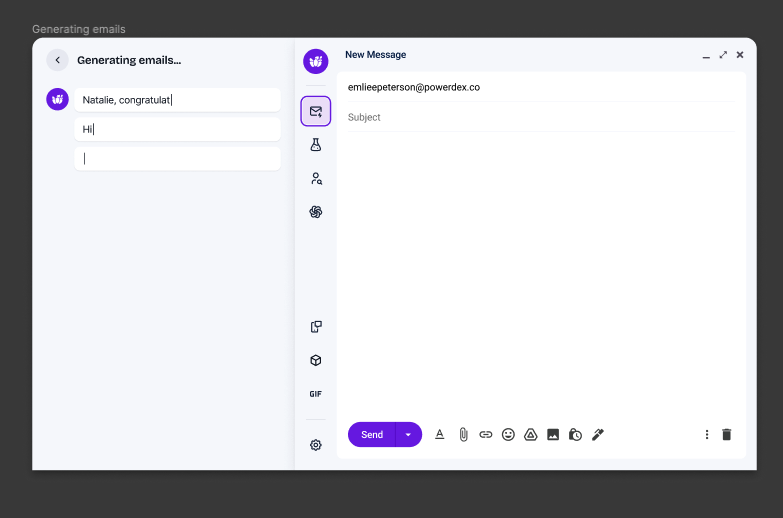
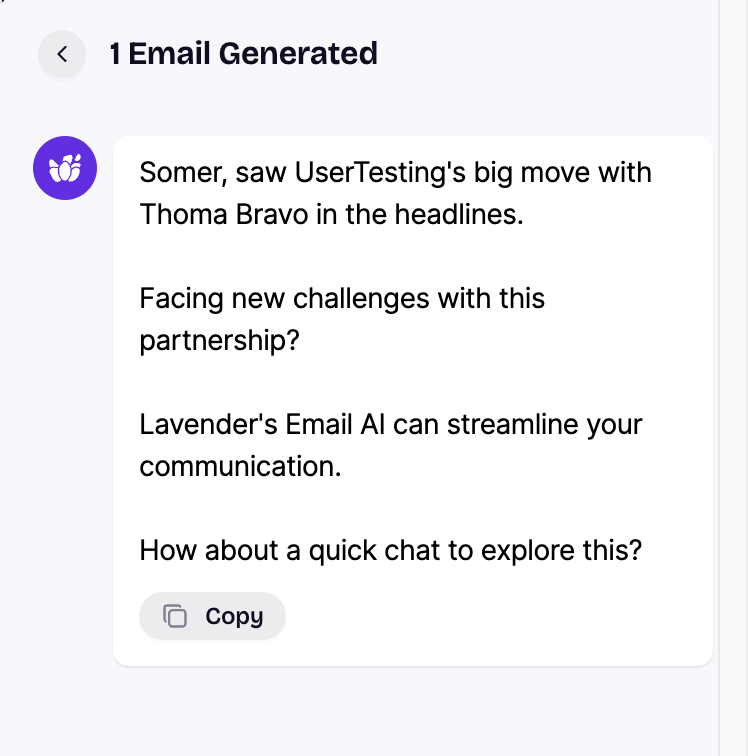
A new Start My Email flow takes you from ideation with icebreakers to an AI-generated email, focusing on the human in the loop!
Curious about how to use the new Start My Email feature? Follow the steps below:
Personalization Assistant
The new Personalization Assistant has added features to help you personalize your email. Examples include podcasts, LinkedIn feeds, and job opening enhancements.
New features 🎉
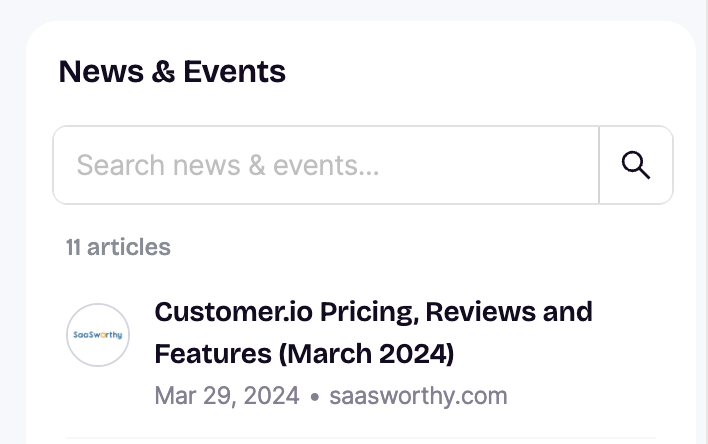
Search
You can search using keywords or even a few letters.
This will create more of a “research hub” and area to find information.
Note: This is currently limited to specific sections, such as News, Events, and Job History, but we plan to roll this out across the entire extension in the future.
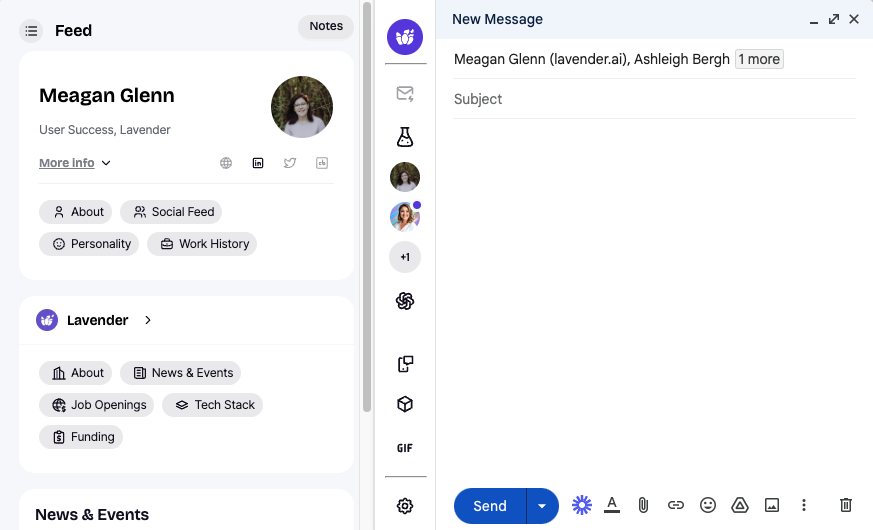
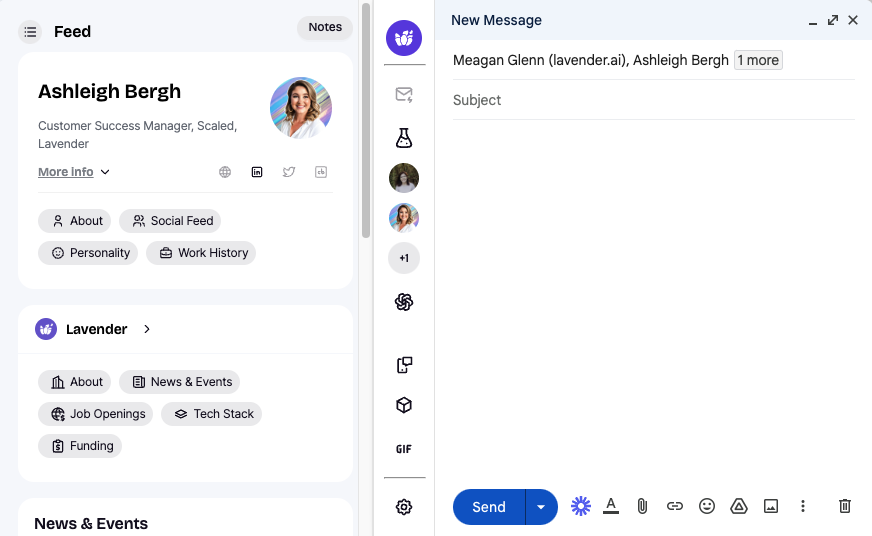
Feed - Multiple Emails
If you have multiple email addresses to send to, you can switch between profiles.
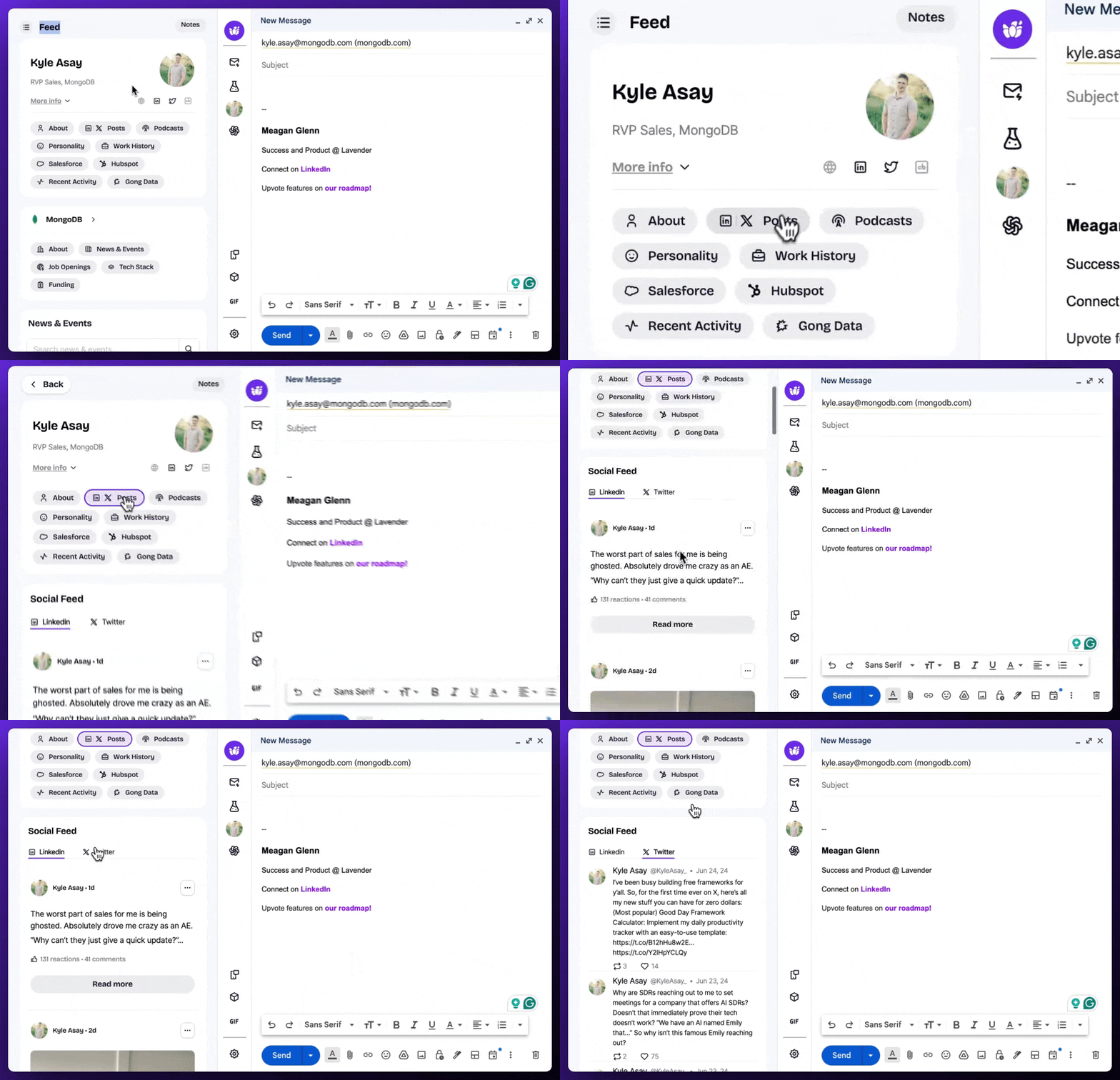
Social Feeds - LinkedIn & X
Get access to LinkedIn feeds within the extension! Twitter is now X, and they have separate feeds.
Podcasts
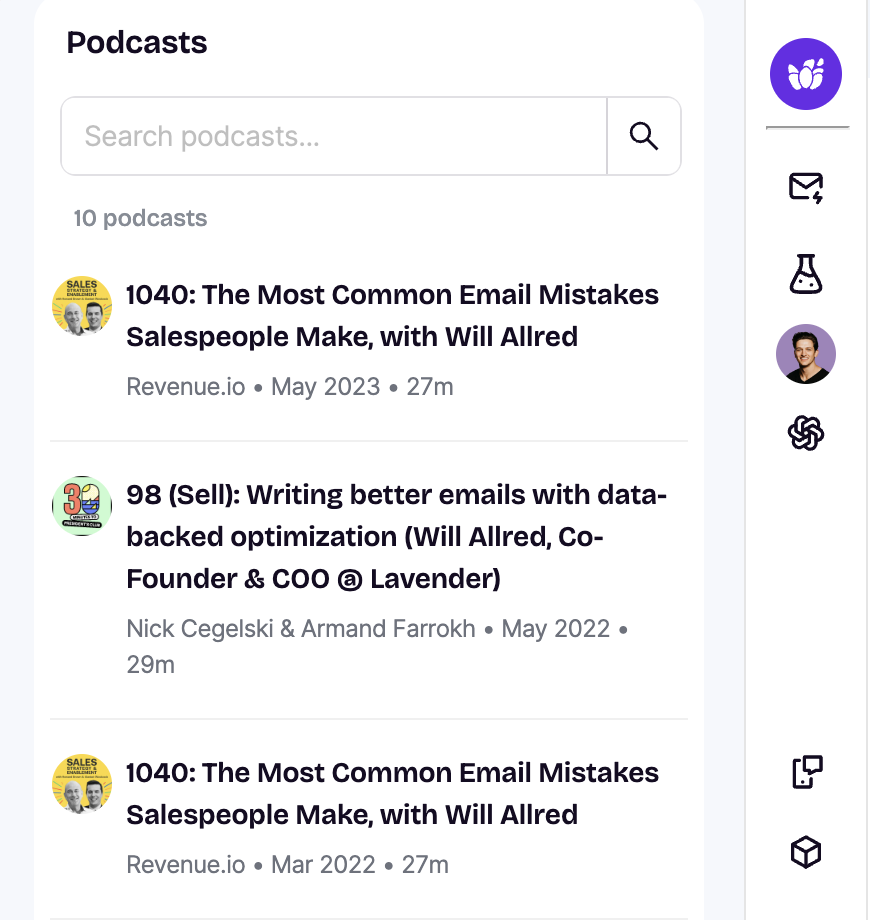
Wondering if your recipient has been a guest on a podcast? Now you can see that information inside Lavender! The extension will include a summary of the podcast and a link to access the podcast.

Gong
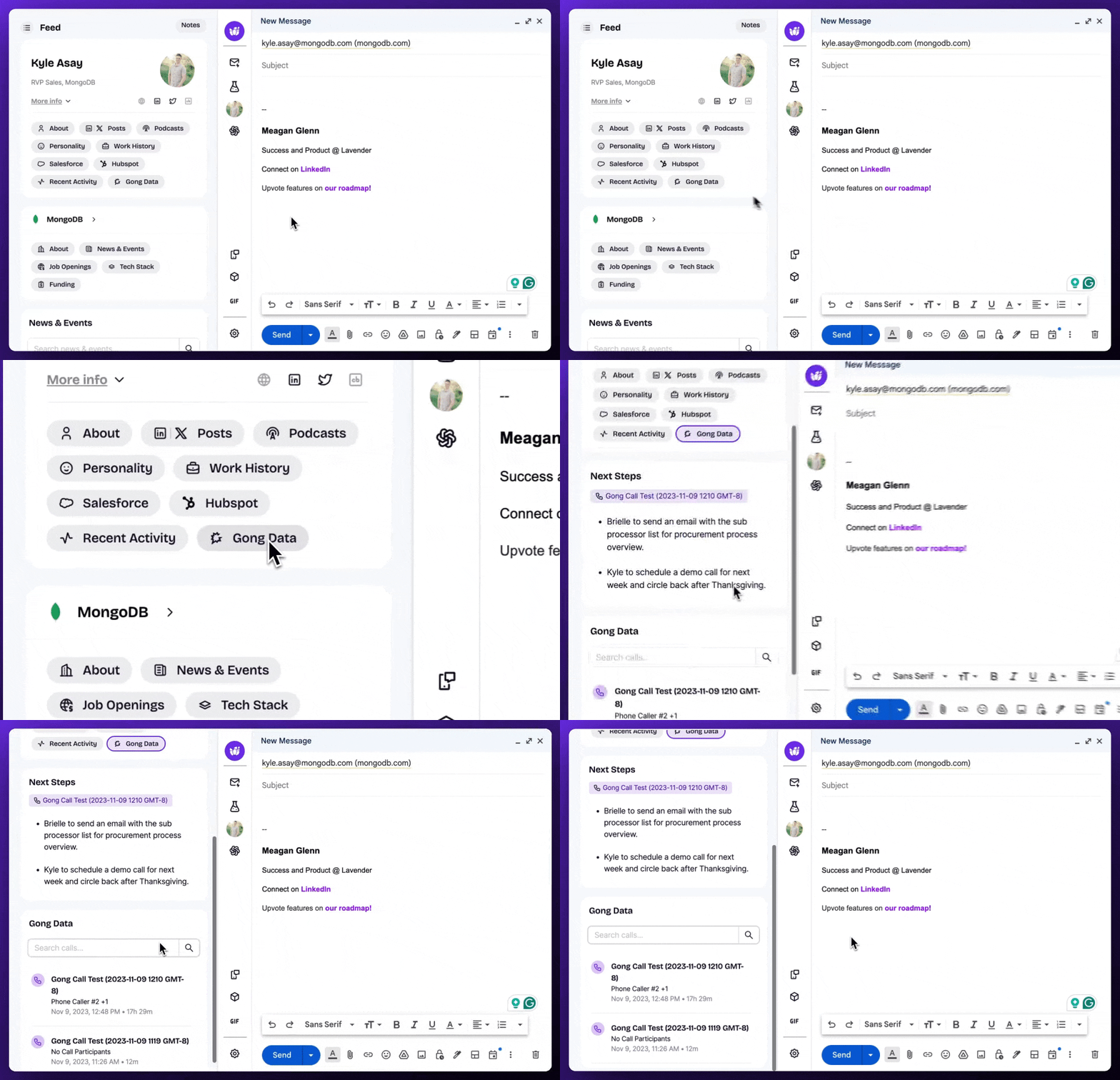
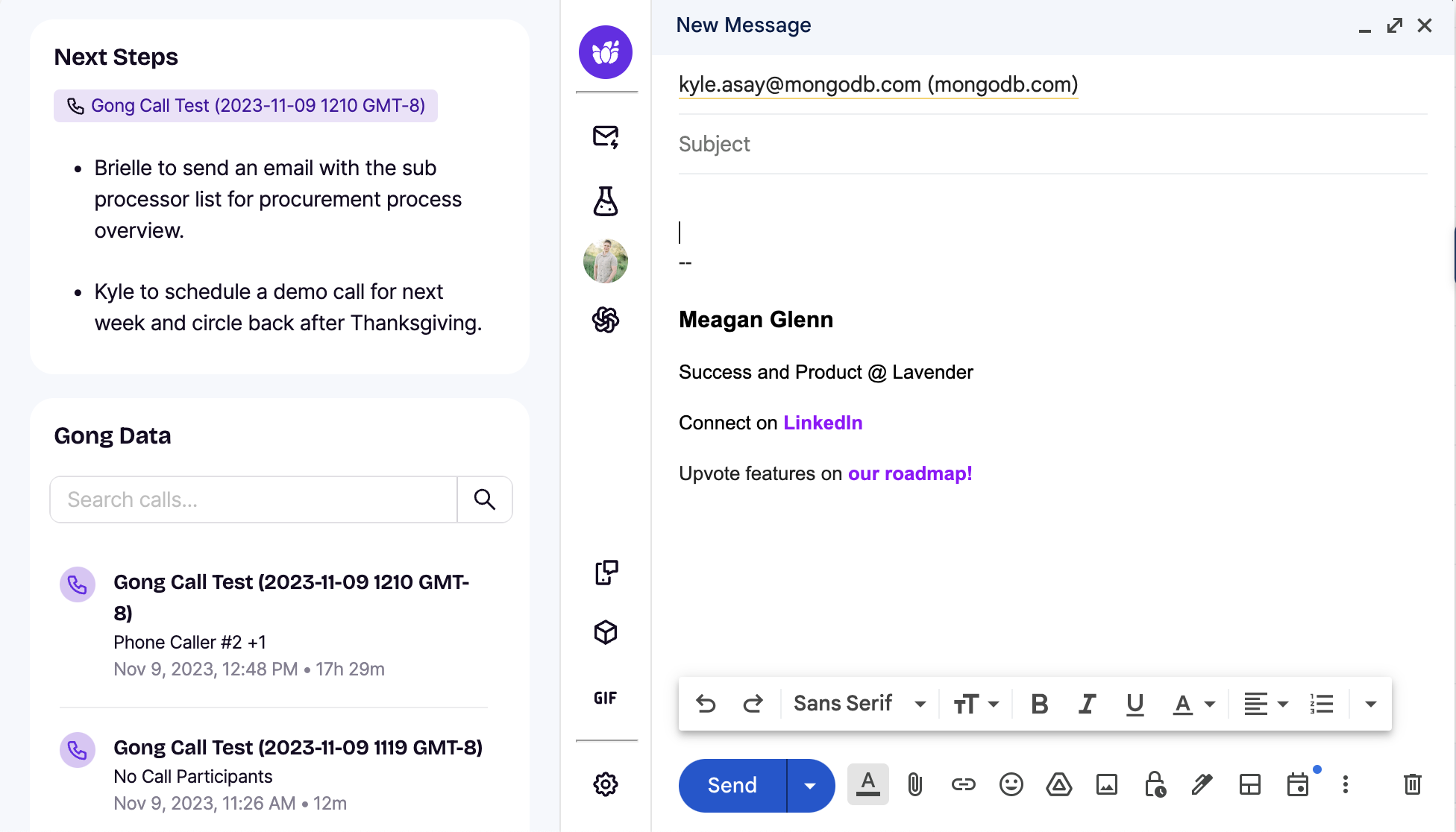
The Gong Data piece of the Lavender extension may contain some new features. Check out this article to learn more.
Email Coach
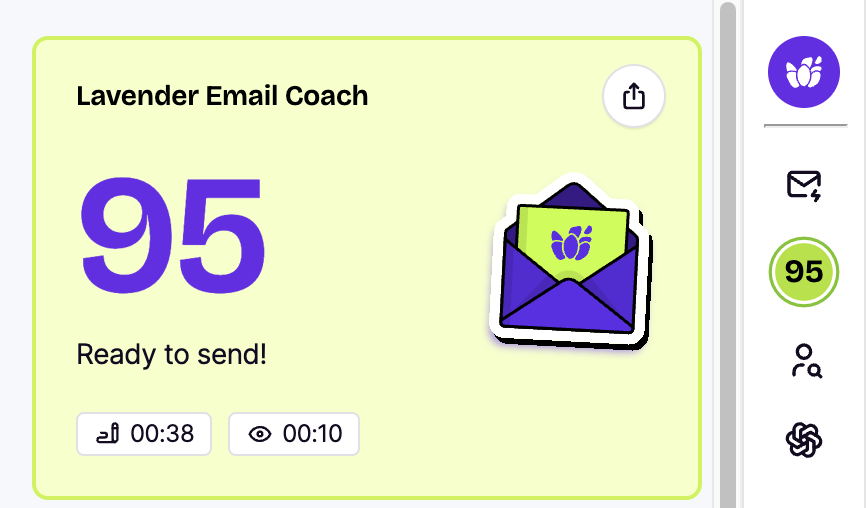
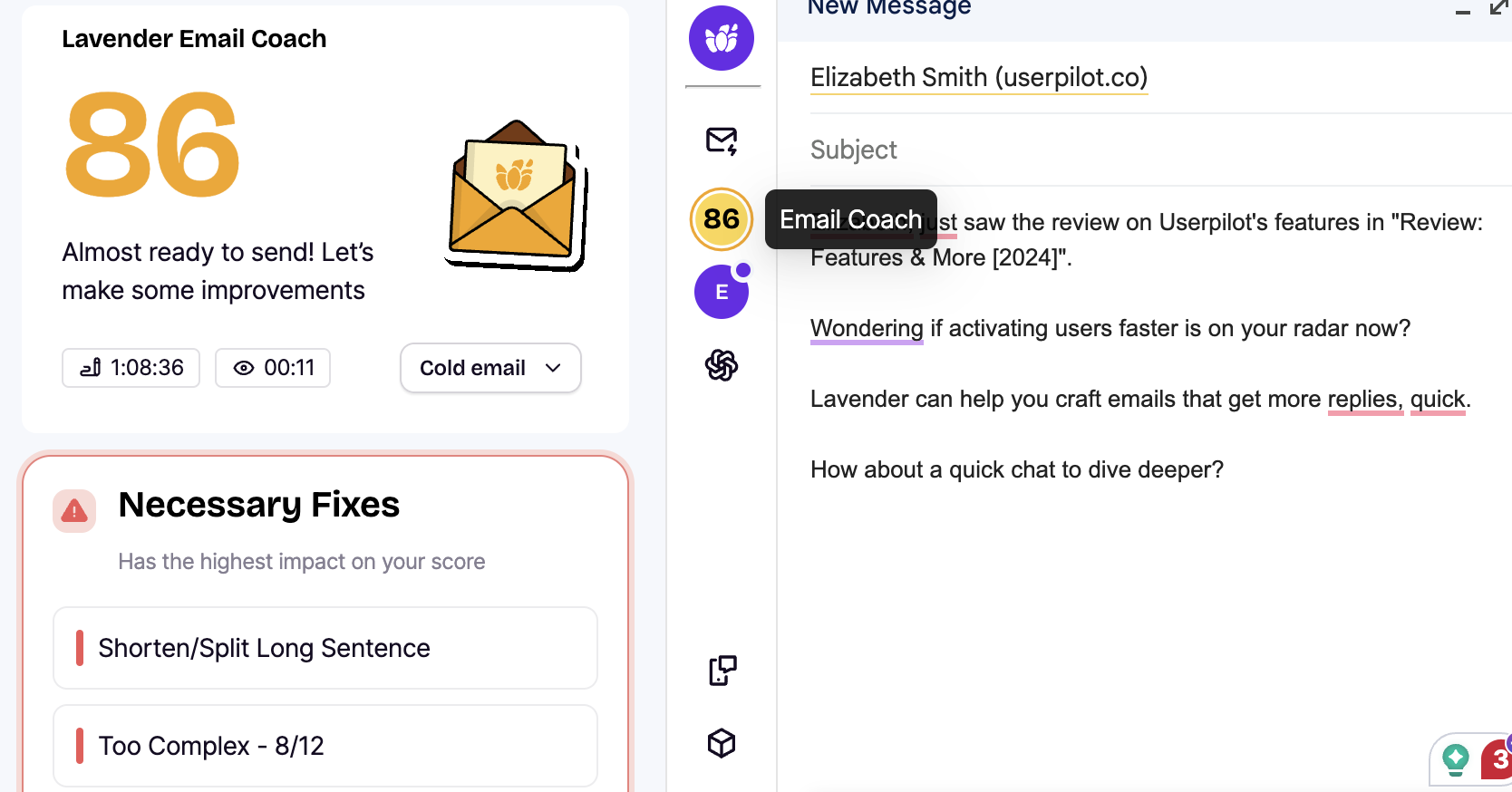
Seeing your score just got easier! Your score is now integrated into the sidebar and the main panel. 🤗
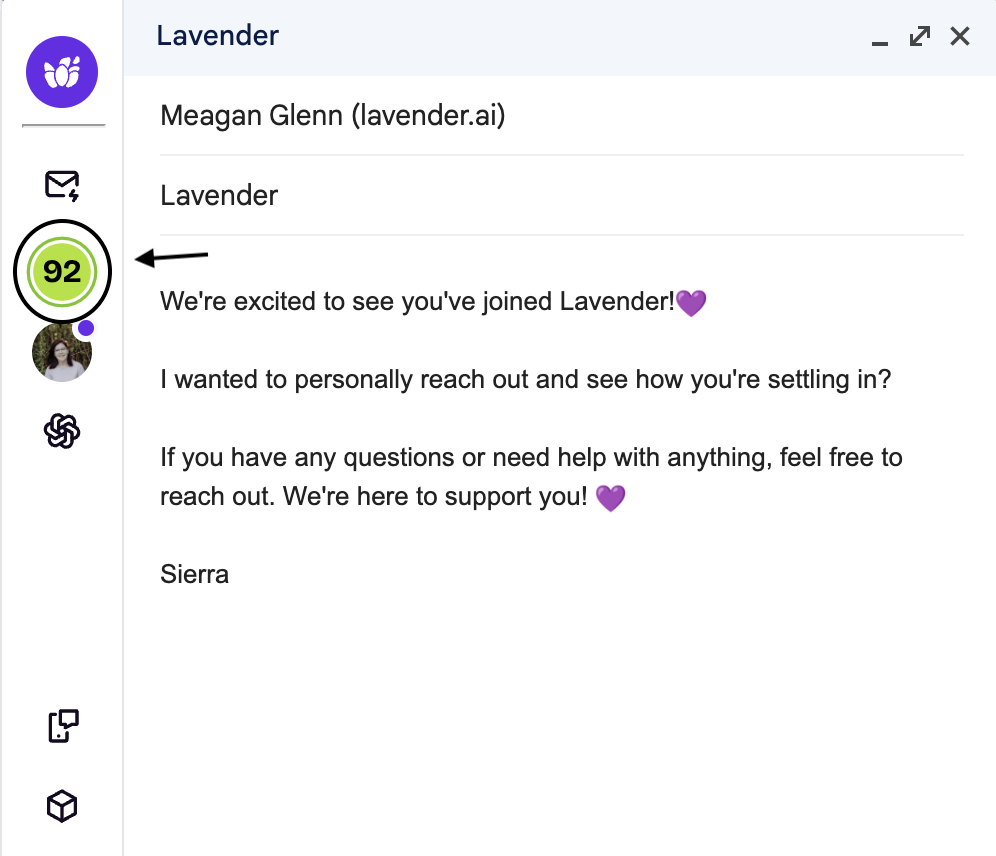
Once you click on your score, you will see this pop out:
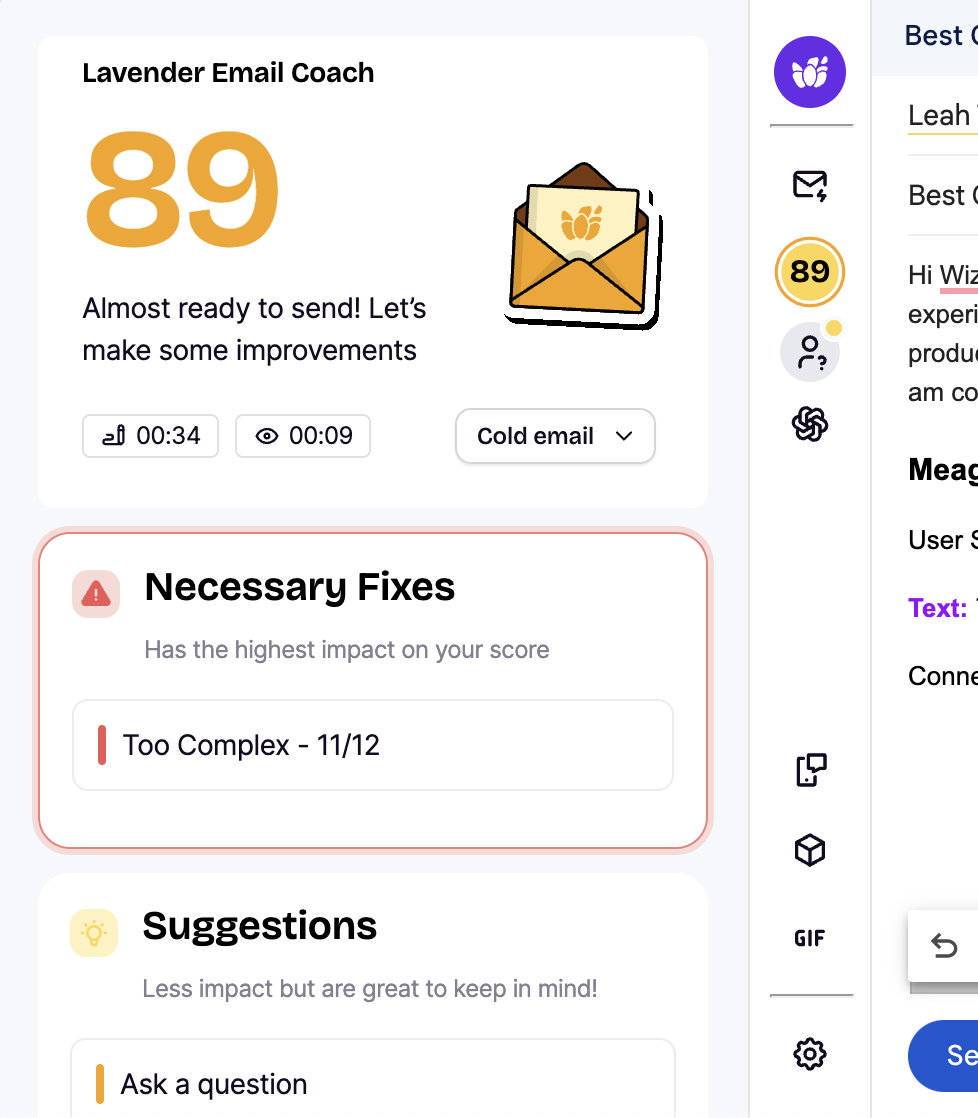
Here, you can find a breakdown of necessary fixes, suggestions, and what has been done correctly.
👉 Have an email score below 90? You will see your Necessary Fixes right at the top.
👉 To fix long sentences, you'll have 2-3 options for a new sentence. You can even regenerate options if you don't like the selections!
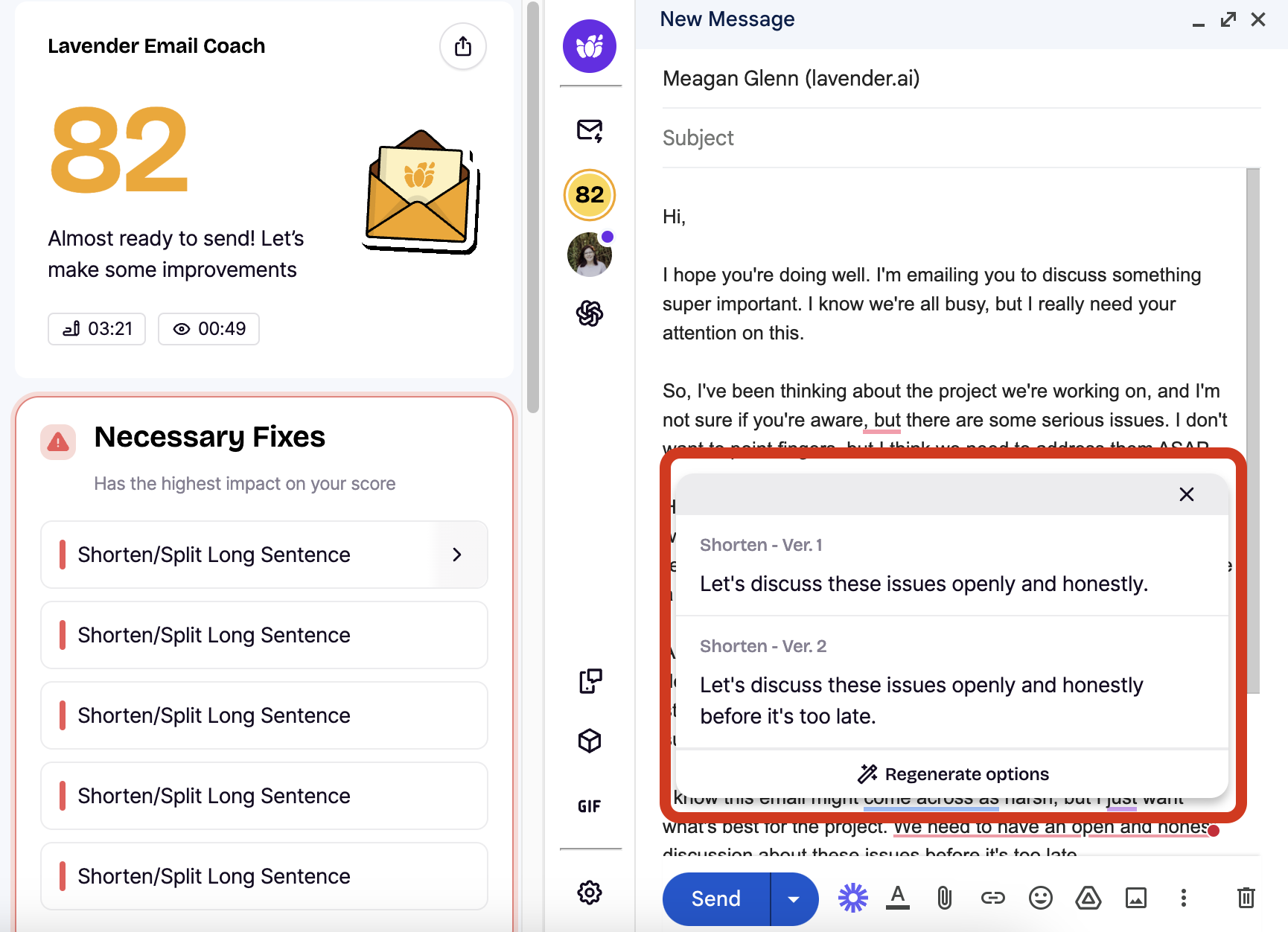
You can select your replacement and insert it right away.** 🥳
You can also ignore suggestions or remove things like adverbs and clichés.
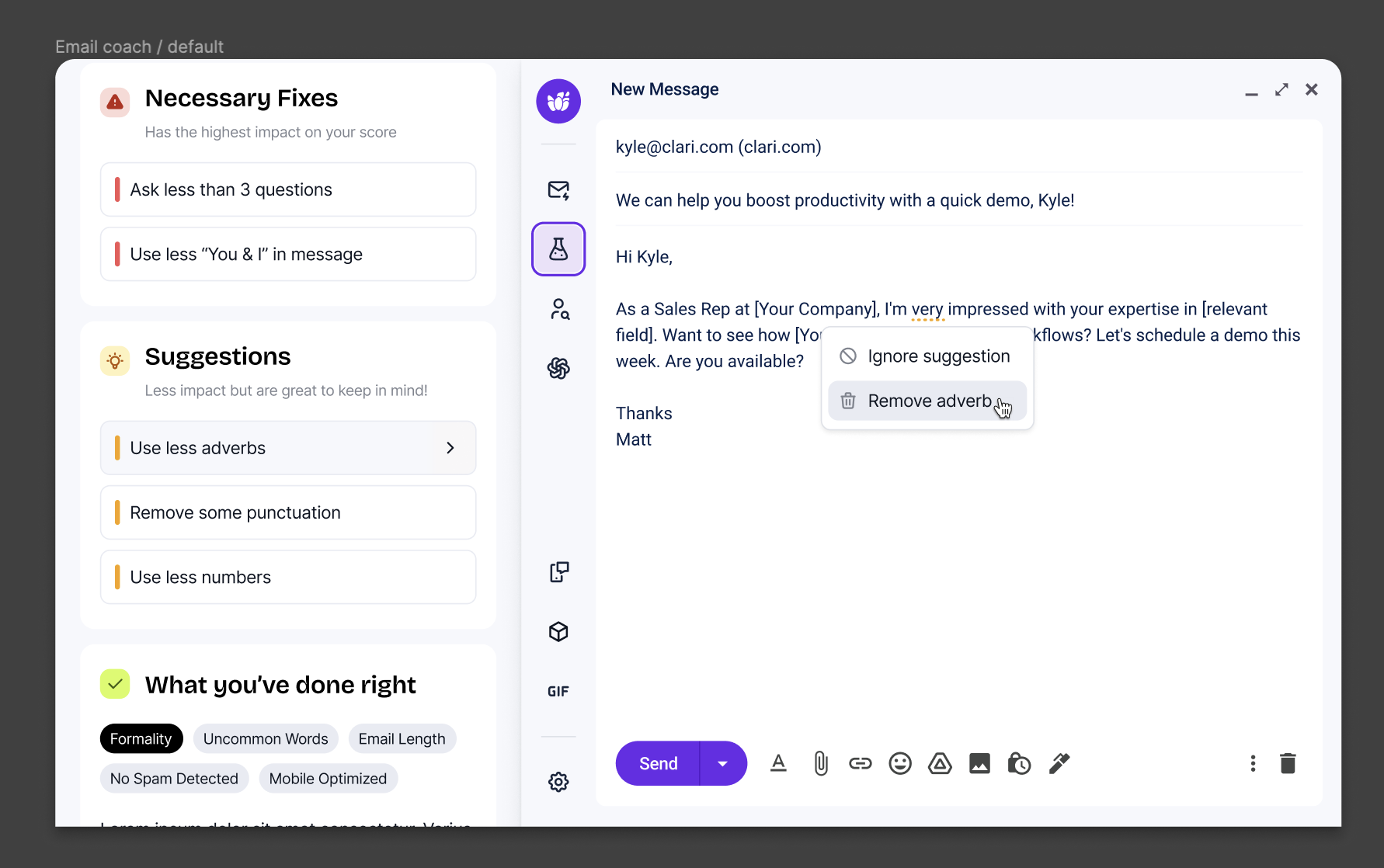
**Insert capabilities are dependent on email client and permissions**
Frameworks
Frameworks is a highly requested item that brings our foundational sales frameworks directly into the Lavender extension.
Select the Frameworks icon (the 3d cube) to access our Frameworks.
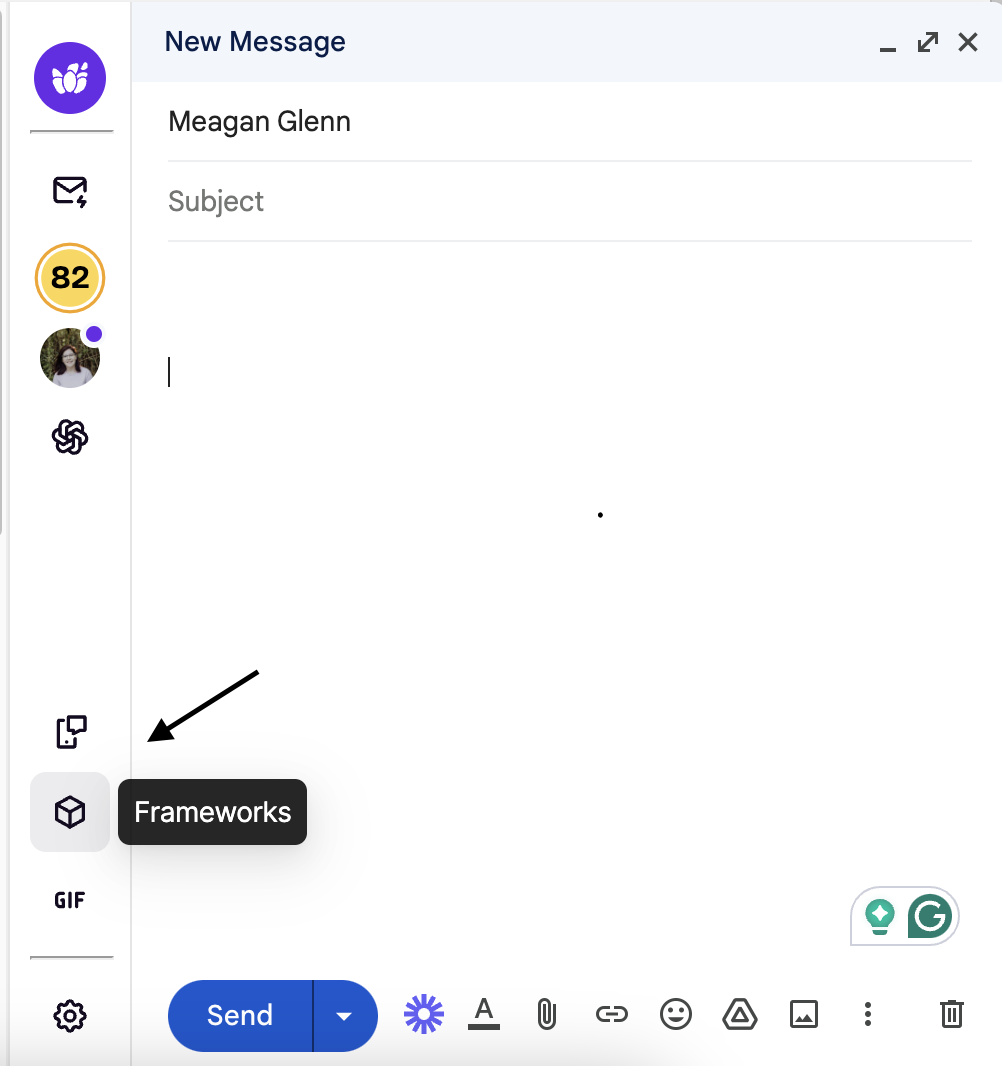
You will then see a list of all of our Frameworks!
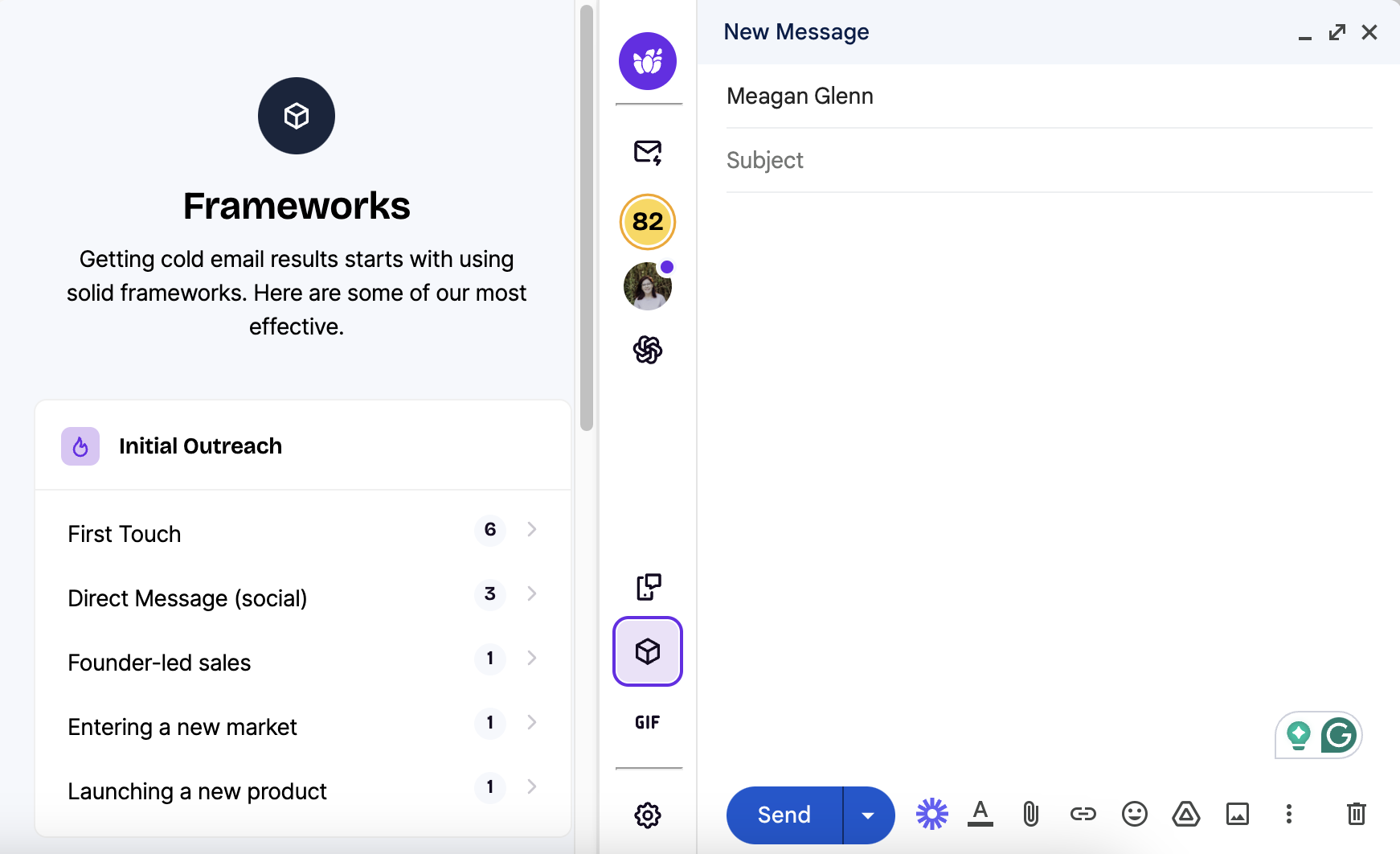
Click into each Framework category to see more information, such as our suggested use case (such as First Touch), outline of content beats, examples, and why it works!
GIFs
We now integration with GIPHY, so you'll see a better arrangement of gifs to choose from!
About the Author