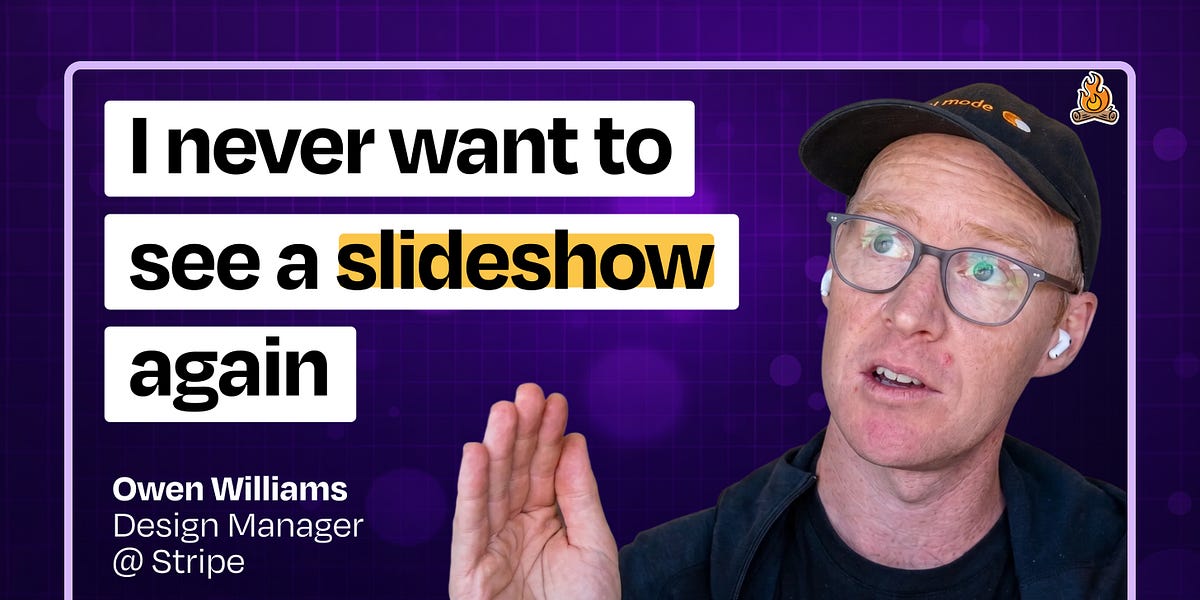
The internal AI tool that’s transforming how Stripe designs products | Owen Williams
Owen Williams, дизайн-менеджер в Stripe, создал Protodash — внутреннюю платформу для прототипирования на базе ИИ, которая позволяет дизайнерам и продакт-менеджерам создавать высококачественные прототипы дашбордов Stripe без написания кода. Инструмент вырос из набора правил для Cursor и React-компонентов в полноценную браузерную студию прототипирования, работающую в dev-боксах, с режимами дизайн-ревью, тестированием вариантов и итерациями с помощью ИИ. Неожиданно продакт-менеджеры стали использовать Protodash наравне с дизайнерами, что фундаментально изменило подход Stripe к прототипированию, дизайн-ревью и передаче макетов инженерам. В статье разбирается архитектура инструмента — React Router, компоненты дизайн-системы и интеграции через MCP, — а также культурный сдвиг к принципу «демо вместо записок». Williams подчёркивает, что внутренние инструменты не обязаны быть продакшен-уровня, чтобы приносить трансформационный эффект.
The internal AI tool that’s transforming how Stripe designs products | Owen Williams

Owen Williams is a design manager at Stripe who built Protodash, an internal AI-powered prototyping platform that lets designers and PMs create high-quality Stripe dashboard prototypes without writing code. What started as a bundle of Cursor rules and React components evolved into a full web-based prototyping studio that runs in dev boxes, complete with design review modes, variant testing, and AI-powered iteration. Surprisingly, PMs now use Protodash just as much as designers, fundamentally changing how Stripe approaches prototyping, design reviews, and engineering handoffs.
Listen or watch on YouTube, Spotify, or Apple Podcasts
What you’ll learn:
How Stripe built an internal AI prototyping tool using Cursor rules, MCPs, and their design system
Why “blurple slop” happens when designers use generic AI tools—and how to fix it
The architecture behind Protodash: React router, design system components, and MCP integrations
How Stripe prototypes in dev boxes so designers never have to worry about local setup
Why “demos, not memos” transformed Stripe’s design review culture
How Stripe built design review modes, variant testing, and AI annotation directly into your prototyping tool
Why internal tools don’t need to be production-grade to be transformative
Brought to you by:

Celigo—Intelligent automation built for AI
Cursor—The best way to code with AI
In this episode, we cover:
(00:00) Welcome and intro to Owen Williams
(02:19) The “blurple slop” problem with AI design tools
(03:50) Protodash: an internal vibe-coding tool for Stripe prototypes
(05:26) Why an engineering background helped Owen lower the bar for designers
(07:55) The Cursor rules that taught the Stripe design system
(09:04) Running prototypes on dev boxes vs. locally
(10:30) “Demos, not memos” and rewiring design reviews at Stripe
(14:50) Building Protodash Studio: a browser-based wrapper for prototyping
(19:04) Live demo: variants, line charts, and remixing prototypes in browser
(21:02) Self-testing prototypes that take screenshots and check their work
(23:20) Multiple variant features
(26:08) The annotate-for-AI button for in-canvas feedback
(27:21) Design review mode: comments, summaries, and AI follow-up
(29:39) Why building internal tools beats buying off-the-shelf
(32:50) PMs as the surprise power users of Protodash
(35:20) Live demo: a Black Friday/Cyber Monday pet store dashboard
(42:03) Lo-fi modes, monospace fonts, and “Comic Sans for WIP” at Shopify
(44:45) Quick recap
(45:35) The Radar prototype that changed engineering handoff
(49:08) Lightning round and final thoughts
Tools referenced:
• v0: https://v0.app/
• Cursor: https://cursor.com/
• Claude Code: https://www.claude.com/product/claude-code
• Claude Design: https://www.anthropic.com/news/claude-design-anthropic-labs
• Figma: https://www.figma.com/
• Stripe Radar: https://stripe.com/radar
• Balsamiq: https://balsamiq.com/
Where to find Owen Williams:
Website: https://owenwillia.ms/
Where to find Claire Vo:
ChatPRD: https://www.chatprd.ai/
Website: https://clairevo.com/
LinkedIn: https://www.linkedin.com/in/clairevo/
Production and marketing by https://penname.co/. For inquiries about sponsoring the podcast, email [email protected].
Discussion about this video