3 Best AI Scheduling Assistants In 2025 [Tried & Tested]
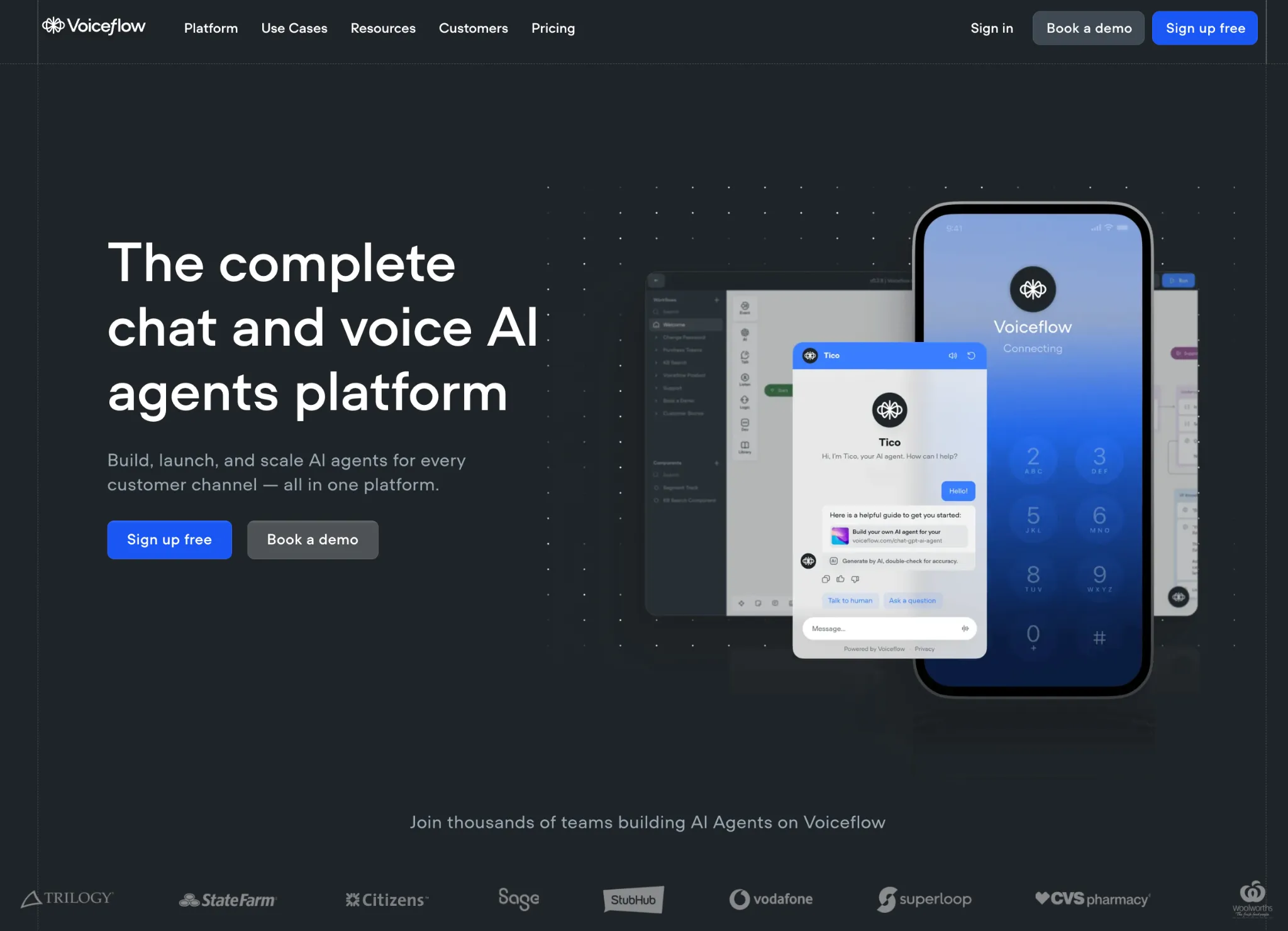
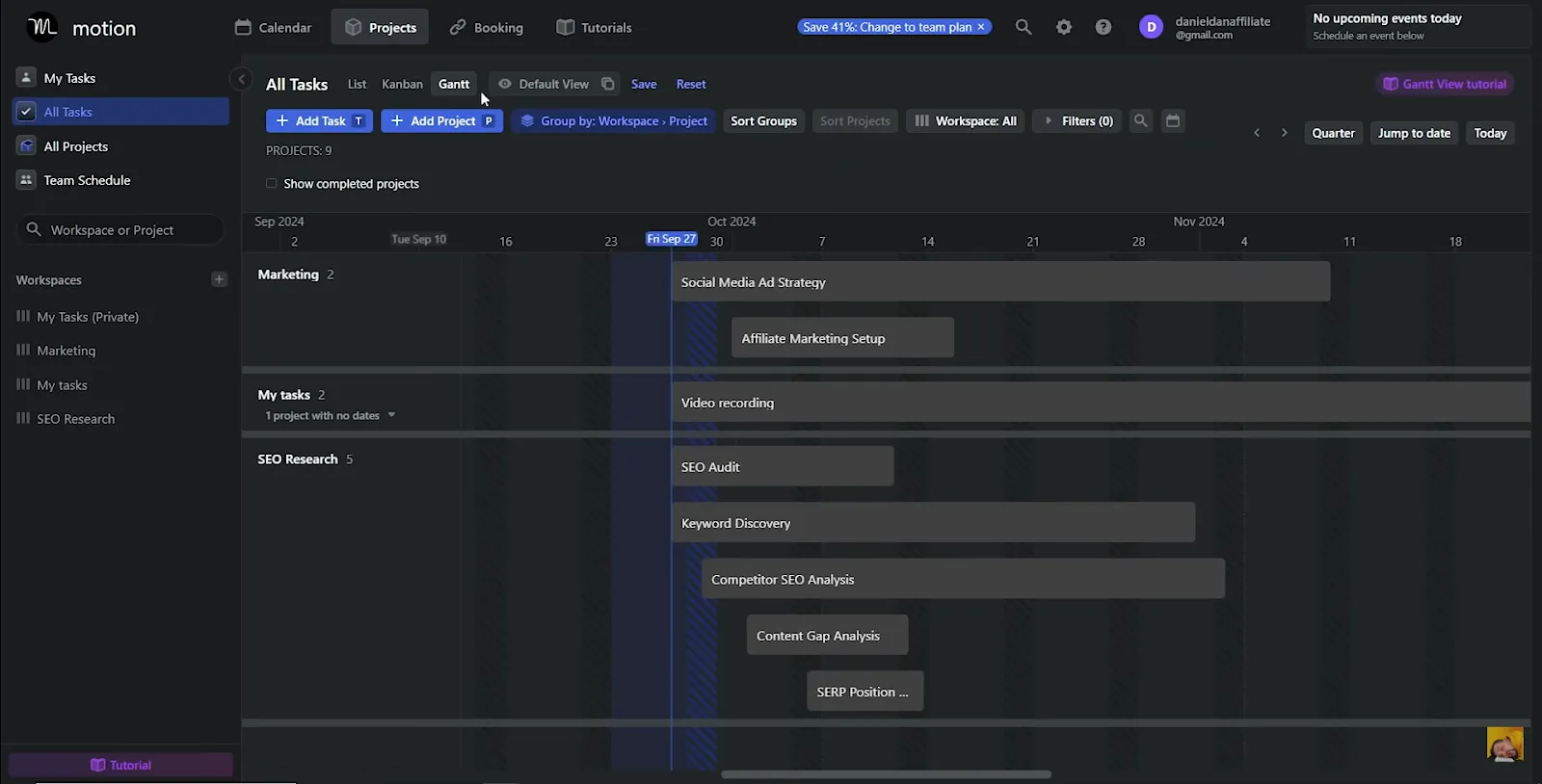
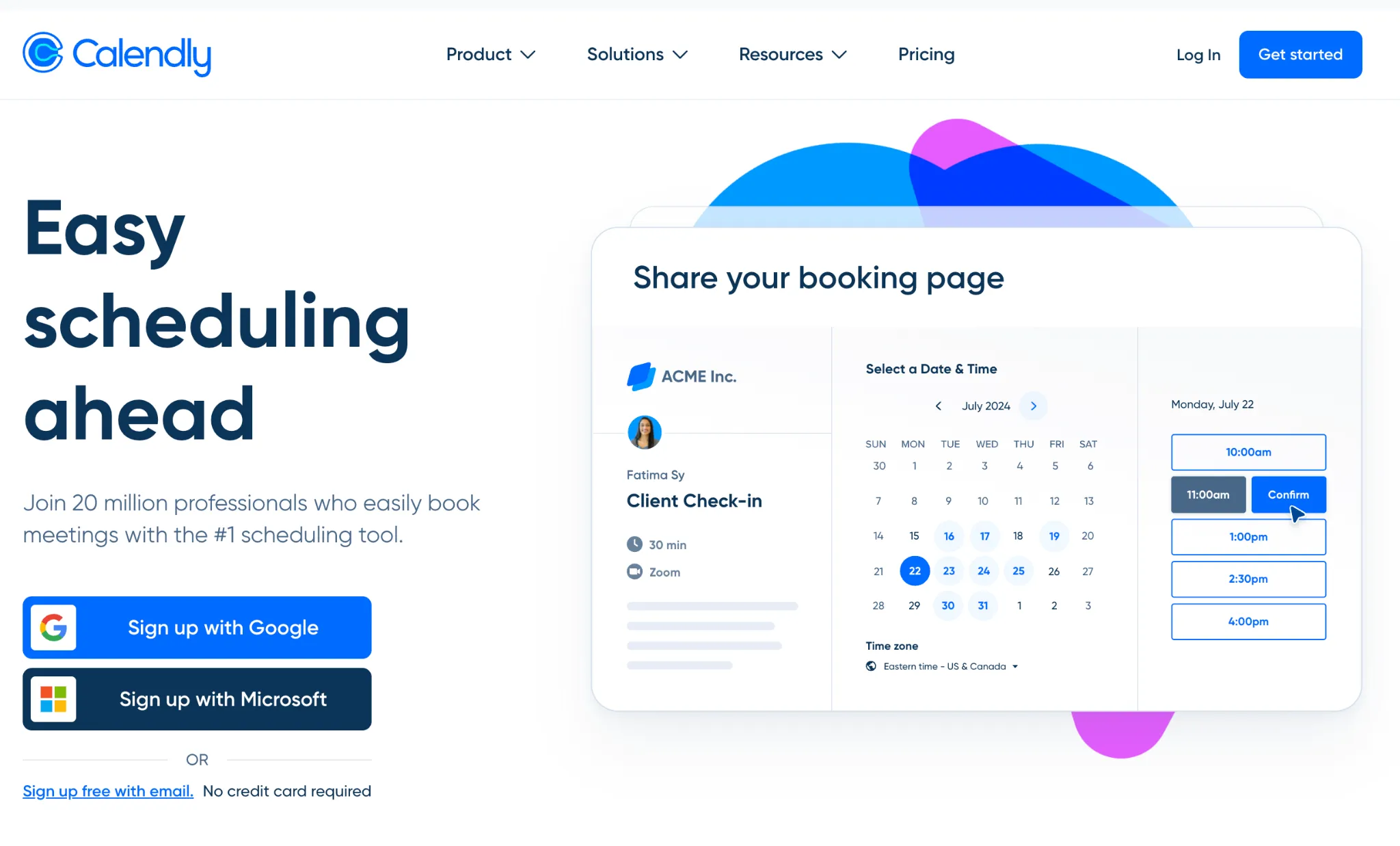
Статья обозревает AI-ассистенты для планирования встреч в 2026 году, утверждая, что специалисты тратят в среднем 4,8 часа в неделю на согласование встреч. Объясняется, как такие инструменты работают через три шага: синхронизация с календарём и обучение привычкам, переговоры от имени пользователя и автоматическое создание встреч с видеоссылками. Среди преимуществ — защита фокуса (по исследованию Калифорнийского университета в Ирвайне, на возврат к глубокой работе уходит более 23 минут) и экономия около 5 часов в неделю согласно BCG. В топ-3 инструмента вошли Voiceflow (для кастомных сценариев с квалификацией лидов), Motion (всё-в-одном для проектов и календаря) и Calendly (для простого внешнего бронирования). Цены варьируются от бесплатных тарифов до $10–20 в месяц за Pro-версии для индивидуальных пользователей.
Can you remember how many emails you sent last week just to book one meeting?
"Does Tuesday at 2 PM work?" "Ah, no, I'm booked. How about Wednesday at 10 AM?" "Sorry, I'm in a workshop. What does your Thursday look like?"
We’ve all experienced this agonizing "email ping-pong"; it is a massive productivity sink. The average professional spends a staggering 4.8 hours per week just scheduling meetings. That's over six full work weeks per year, gone.
In 2026, this is a completely solvable problem. They can act as your personal chief of staff, reclaiming those lost hours so you can do, well, your actual job. We tried and tested the top tools on the market to find the ones that deliver real value. Here’s the breakdown.
{{blue-cta}}
What is an AI Scheduling Assistant?
An AI Scheduling Assistant is a smart tool that automates the entire process of finding and booking time on your calendar. A true AI assistant uses natural language processing (NLP) to understand human requests, learns your personal preferences, and proactively manages your calendar to protect your time.
For example, you can email it, "Hey, find a 45-minute slot for me and Sarah to review the budget next week," and it will handle the rest. It checks both your calendars, finds a mutually free time, sends the invites, and even books a Zoom room.
How Does an AI Scheduling Assistant Work?
The process generally follows three steps:
Step 1: Sync and Learn
You connect it to your calendars (Google, Outlook 365, etc.). The AI then learns your habits. It sees you always block 12 PM - 1 PM for lunch. It learns you hate meetings before 10 AM. You can give it explicit rules like, "I need a 15-minute buffer between all calls" or "Fridays are for deep work only."
Step 2: Negotiate
When you (or someone else) make a request, the AI negotiates on your behalf.
Step 3: Execute
Once a time is agreed upon, the AI sends the calendar invite, adds the video-conferencing link (Zoom, Teams, Google Meet), and sends reminders to all attendees.
What are the Benefits of Using an AI Scheduling Assistant?f
The benefits of using an AI scheduling assistant go way beyond just saving time. Here are four compelling reasons why you should build an AI scheduling assistant with Voiceflow today.
The 5 Best AI Scheduling Assistant Tools in 2026
After extensive testing, here are our top 5 picks for 2026, each best for a different type of user.
{{blue-cta}}
How Much Does an AI Scheduling Assistant Cost?
{{blue-cta}}
The pricing is incredibly reasonable, especially for the time you get back.
How Do I Get Started with an AI Scheduling Assistant?
You can be up and running in 10 minutes. Seriously.
That’s it! Trust the process. The first time you let an AI automatically move a task block to make room for a meeting, it's a little scary. Trust it. The feeling of a perfectly optimized, non-stop-interrupted day is worth it. Get started with Voiceflow today to try it for free.