Claude Cowork 101: How to automate your workday without touching code | JJ Englert (Tenex)
JJ Englert, руководитель community enablement в Tenex, проводит подробный туториал по Claude Cowork — десктоп-инструменту Anthropic, который занимает промежуточное место между обычным чатом и терминальным кодингом. Он показывает, как создать первый проект, подключив папку на компьютере, и собрать «brain»-файл с предпочтениями, который Claude читает при каждом обращении. Разбираются one-click коннекторы к Gmail, Slack, Notion и Google Calendar, настройка разрешений (только драфт или подтверждение перед действием) и анализ отправленных писем для создания навыка письма в вашем стиле. Демонстрируется техника sub-advisory-board из трёх AI-агентов с разными персонами для обратной связи и многошаговое создание ньюслеттера с исследованием и оценкой. Финал — сценарий запланированной задачи: ежедневный утренний дебриф в 7:30 по почте, Slack и календарю. Главный тезис: проекты с общей памятью превосходят отдельные чаты для стабильно качественных AI-результатов.
Claude Cowork 101: How to automate your workday without touching code | JJ Englert (Tenex)
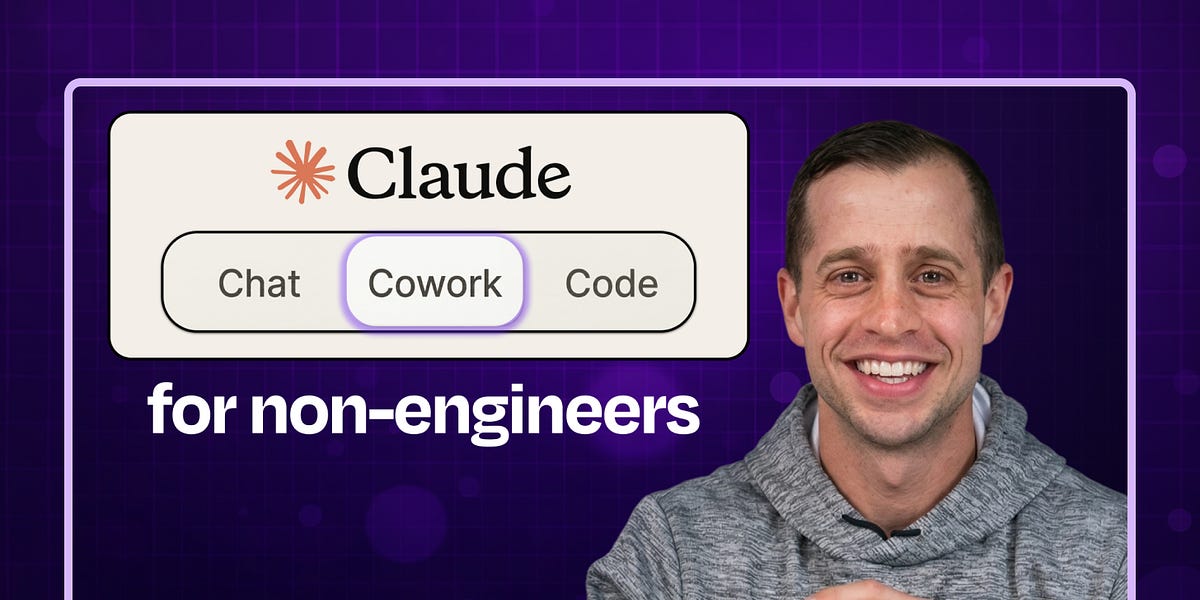
JJ Englert leads community enablement at Tenex. In this episode, JJ provides a complete zero-to-one tutorial on Claude Cowork, Anthropic’s desktop tool that sits between simple chat and full terminal-based coding.
Listen or watch on YouTube, Spotify, or Apple Podcasts
What you’ll learn:
How to create your first Claude Cowork project by connecting a folder on your computer and building context over time
The “brain” file strategy: how to create a preferences document that Claude reads every time to understand who you are and how you work
Why one-click connectors to Gmail, Slack, Notion, and Google Calendar unlock AI that actually does work instead of just suggesting it
How to analyze your sent emails to build a writing skill that perfectly matches your tone and style
The sub-advisory-board technique: spinning up three AI agents with different personas to review your work from multiple perspectives
How to set permissions for each connector so Claude only drafts (never sends) or always asks before taking action
The scheduled-task workflow that creates a morning debrief by reading your email, Slack, and calendar every day at 7:30 a.m.
Why projects with shared memory beat individual chat threads for consistent, high-quality AI outputs
Brought to you by:

Tines—Start building intelligent workflows today
Cursor—The best way to code with AI
In this episode, we cover:
(00:00) Introduction to JJ Englert
(02:48) What Cowork is and who it’s for
(05:49) Getting started: Opening the Cowork tab in Claude Desktop
(07:04) Understanding projects as folders on your computer
(07:54) Creating your “brain” file, with working preferences and context
(10:24) Demo: Building a daily operating system project from scratch
(12:18) How to prompt Cowork when starting a new project
(14:54) Understanding the project interface and shared memory
(18:37) Setting up connectors to Gmail, Slack, Google Calendar, and other tools
(21:00) Using connectors to analyze your emails and build personalized writing skills
(24:21) Creating a thinking-partner skill for decision support
(26:18) Cowork vs. OpenClaw
(27:18) Building a sub-advisory skill with multiple AI personas for feedback
(34:03) Advanced skill example: Multi-step newsletter creation with research and evaluation
(36:08) Setting up scheduled tasks for morning debriefs
(37:57) Going beyond one-off tasks with AI
(41:00) Progressive trust and the tradeoff of information for productivity
(44:08) Different use cases beyond work productivity
(46:08) Lightning round
Tools referenced:
• Claude Code: https://claude.ai/code
• Wispr Flow: https://whisperflow.ai/
• Monologue: https://www.monologue.to/
• Domo: https://www.domo.com/
• Pencil.dev: https://pencil.dev/
• Remotion: https://www.remotion.dev/
• Obsidian: https://obsidian.md/
• OpenClaw: https://openclaw.ai/
• Notion: https://notion.so/
Other references:
• Get Started with Claude Cowork: https://support.claude.com/en/articles/13345190-get-started-with-cowork
Where to find JJ Englert:
Where to find Claire Vo:
ChatPRD: https://www.chatprd.ai/
Website: https://clairevo.com/
LinkedIn: https://www.linkedin.com/in/clairevo/
Production and marketing by https://penname.co/. For inquiries about sponsoring the podcast, email [email protected].
Discussion about this video